Forum Discussion


6 years ago
I have this solved.
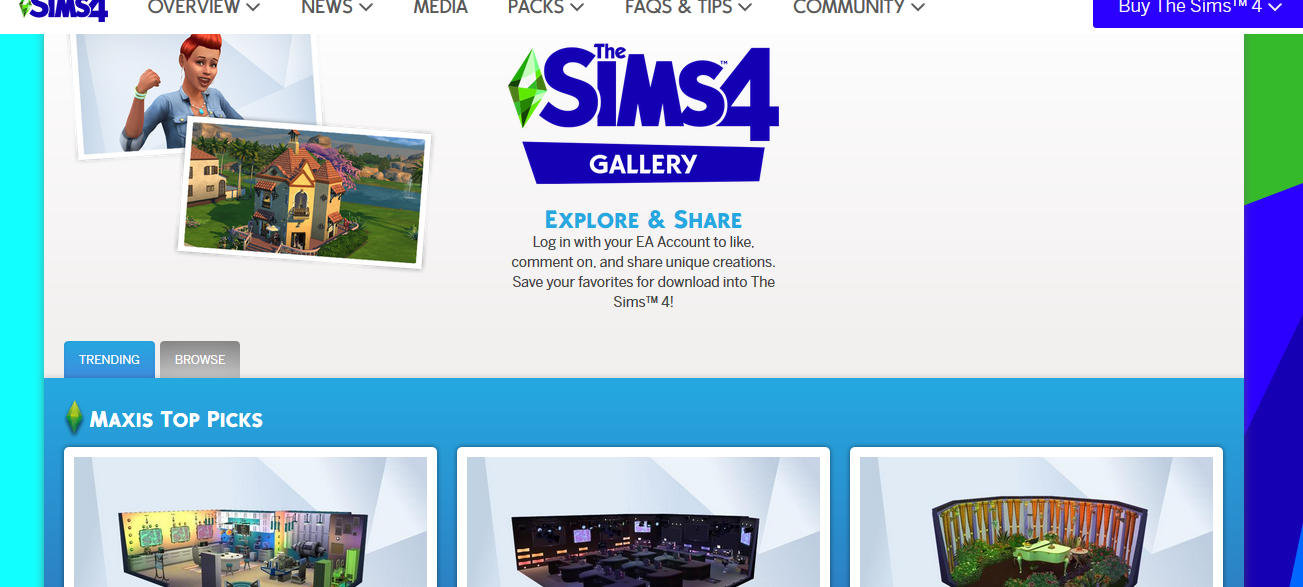
Just go to the website www.thesims4.com and sign in and then click on community and then click on the gallery. There you can view the gallery and save what you like to your library then when you start the game you will have access to the stuff from the gallery.
You can still access the community gallery you just have to do it from the sims 4 website.
(Post edited by CM)

6 years ago
How do you get the things into your game? It just says save it to my downloads but it doesn’t actually go into the game. Please help.
 EuphorialQueen6 years agoHero (Retired)
@Luvbug217
Please go to the link posted above. Unfortunately the Sims 4 Legacy Edition does not allow access to the gallery.
There has not been an official workaround at this point.
- EQ Avid Sims Player
I do not work for EA
All packs installed and patches are current.
PC / Win 10
Never used CC or mods.
Edit to add:
Stuff Packs, Game Packs and Expansion Packs released after September 2019 will be unavailable. HawnaKitty6 years agoRising Ace@EuphorialQueen so we can't download from the Sims 4 site either?
- EuphorialQueen6 years agoHero (Retired)
@HawnaKitty wrote:
@EuphorialQueenso we can't download from the Sims 4 site either?Sadly no that is not an option either.
- EQ Avid Sims Player
I do not work for EA
All packs installed and patches are current.
PC / Win 10
Never used CC or mods.
Featured Places