hojahewet
5 days agoTraveler
Gallery shows "No results found" and in-game Store infinite connection loop
I am experiencing a persistent issue with online features in The Sims 4 (Steam Edition, DX11 64-bit, latest version).
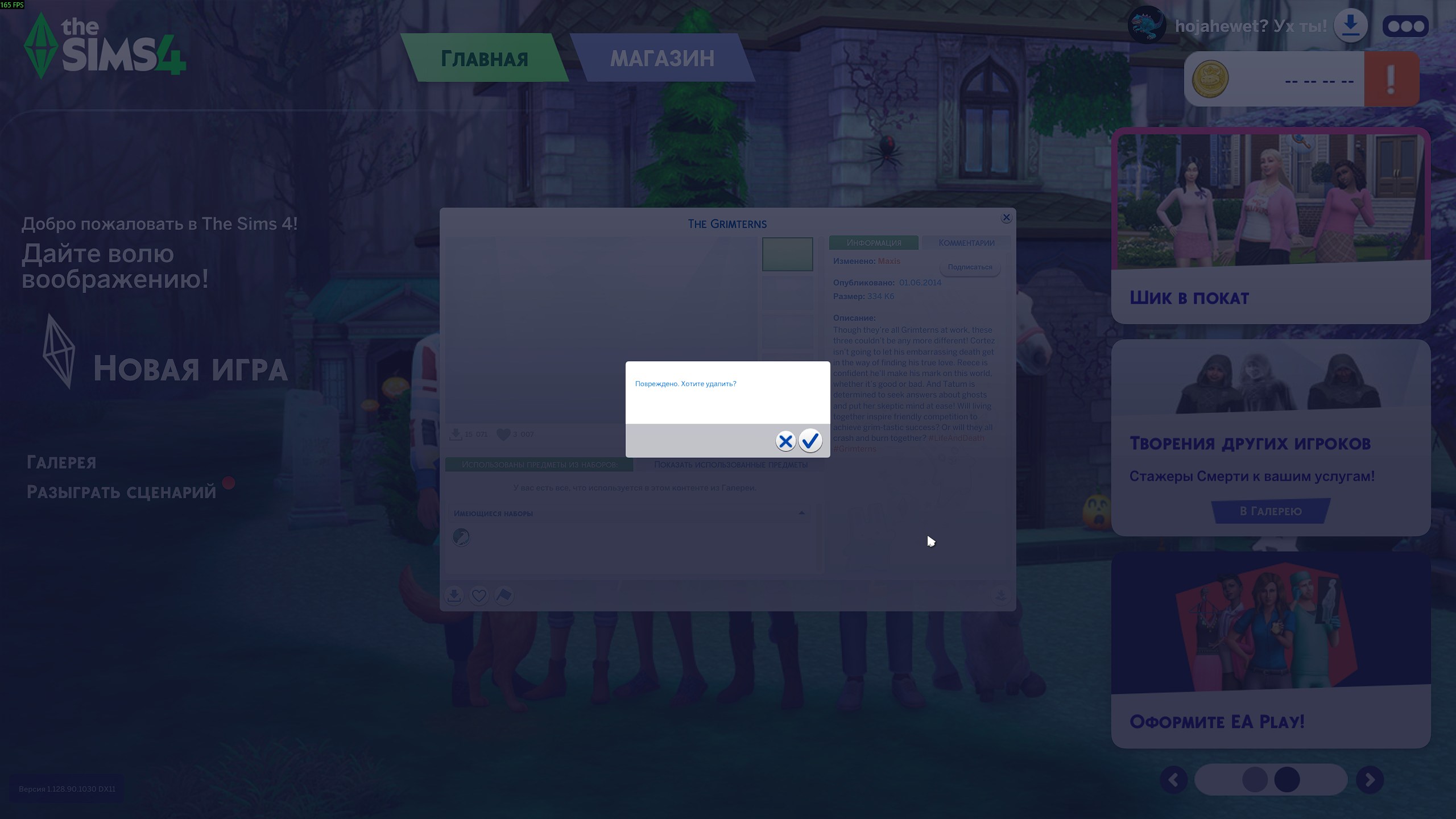
- In-Game Gallery (F4): The Community tab loads trending hashtags, but browsing or searching any creations returns 0 results ("No results found. Try clearing filters"). Featured/community items fail to load.
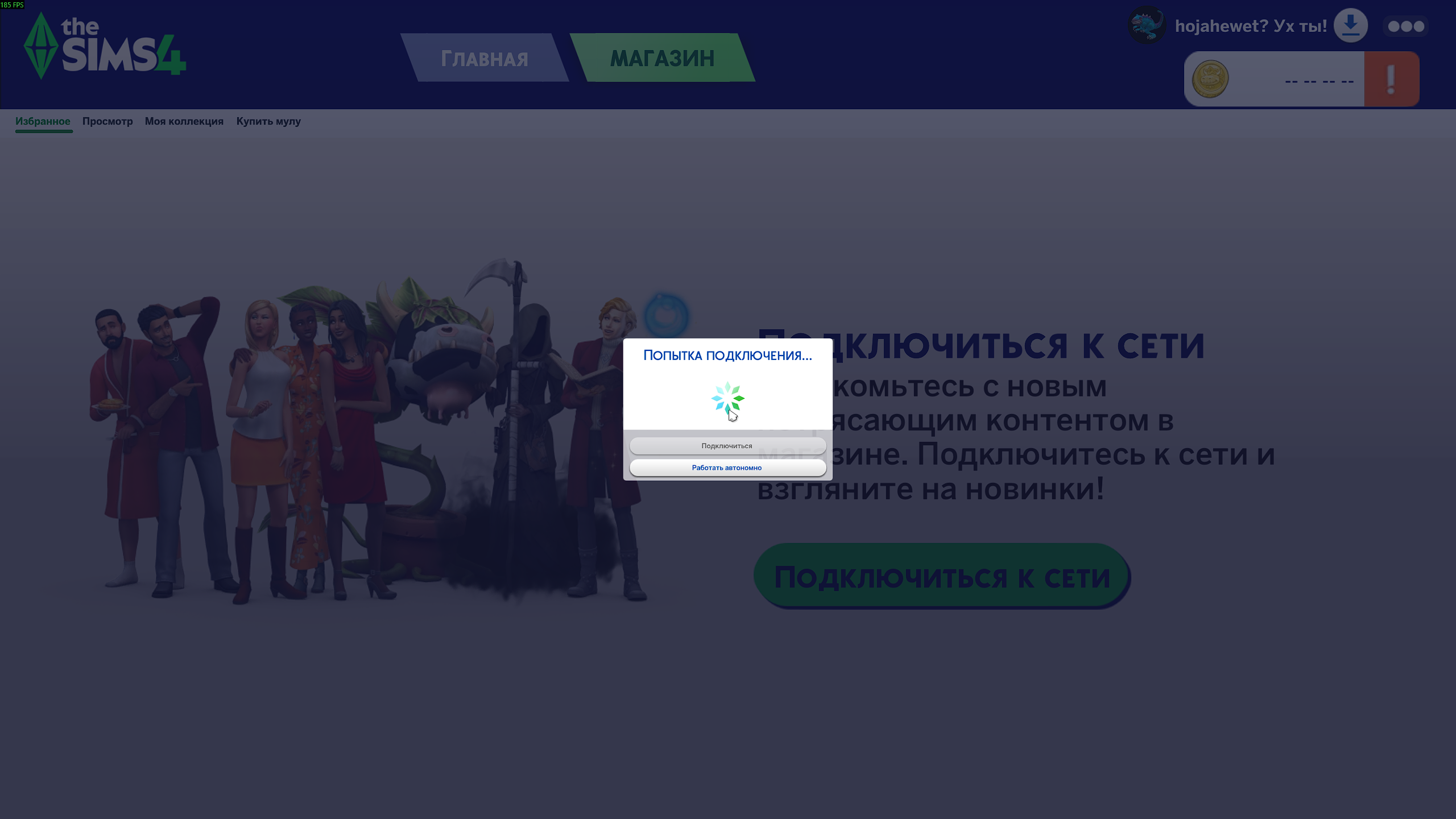
- In-Game Store Tab: Endless "Attempting to connect..." loading spinner. Currency and prices fail to load (-- -- -- -- !), eventually prompting to play offline.
Troubleshooting already performed:
- Performed a complete clean folder test (renamed user folder in Documents\Electronic Arts\The Sims 4).
- Removed all mods and custom content (tested on a 100% vanilla game).
- Cleared EA App cache (App Recovery -> Clear Cache).
- Logged out and back into the EA App.
- Verified integrity of game files on Steam.