ZimbabweBetty
1 year agoSeasoned Newcomer
Game failed to load
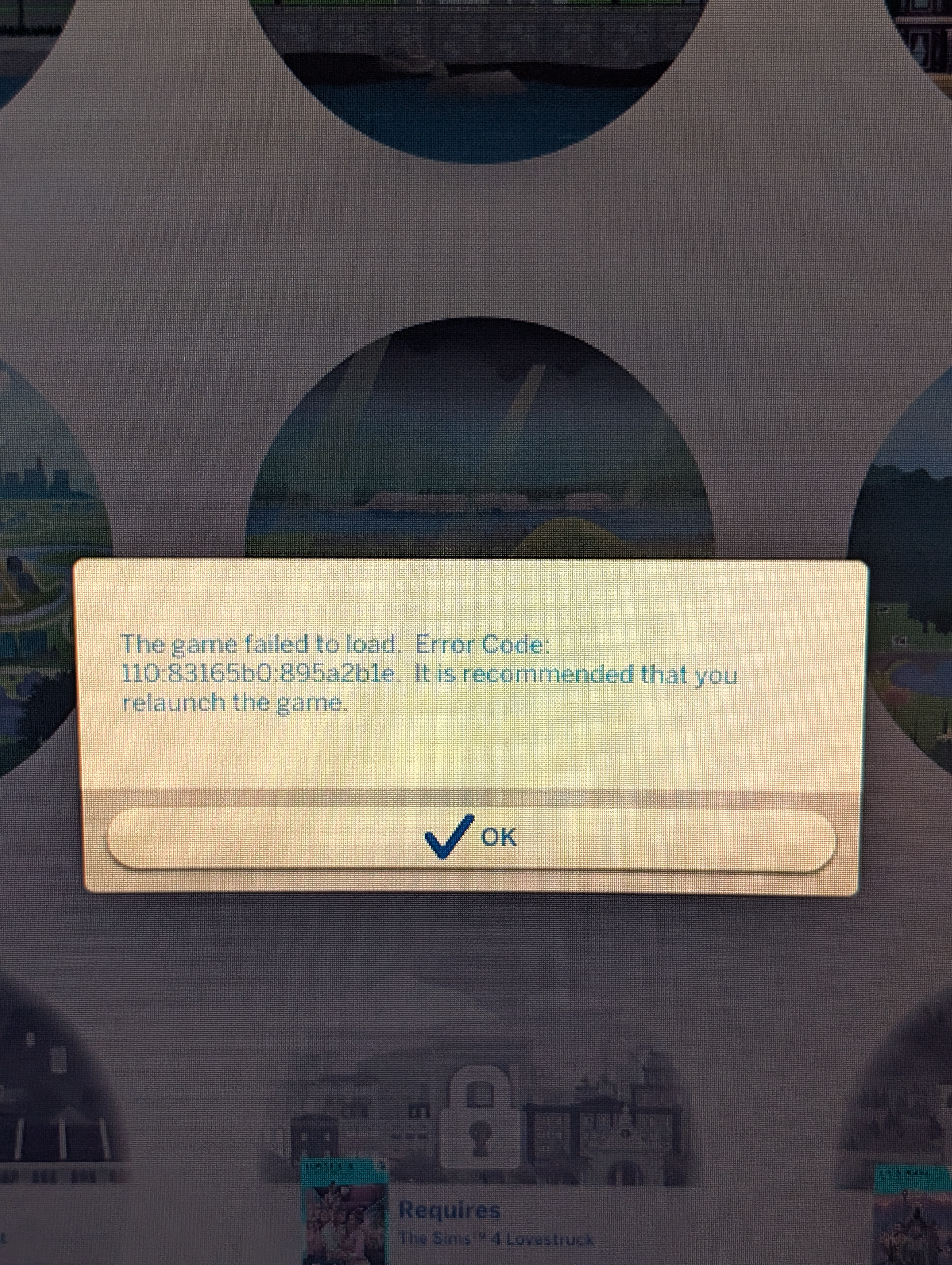
Not sure what to do, got this error code (see attached photo) i have relaunched the game with no success. I really haven't had issues with sims over the years so I'm clueless what to do.
Not sure what to do, got this error code (see attached photo) i have relaunched the game with no success. I really haven't had issues with sims over the years so I'm clueless what to do.

Do you have any LastException files in Documents\Electronic Arts\The Sims 4 ?
Best is to delete the ones you have, then trigger the error and check if new ones are created.
If that is the case, please copy/paste the content here. You can open the file with any text editor.
Deleting the file won't fix your issue. Uploading the file is meant for troubleshooting.

Sorry for the late reply. Here is the one it just created
<?xml version="1.0" ?><root>
<report><version>2</version><sessionid>2e27b00f2c6e2cca67baa201</sessionid><type>desync</type><sku>ea.maxis.sims4_64.15.pc</sku><createtime>2025-02-22 23:21:04</createtime><buildsignature>Local.Unknown.Unknown.1.112.519.1020-1.300.000.199.Release</buildsignature><categoryid>resolver.py:1017</categoryid><desyncid>2e27b00f2c6e2cca67baa201</desyncid><systemconfig/><screenshot/><desyncdata>Exception raised while processing zone spin up sequence: Trying to use SingleSimResolver with unsupported participant: ParticipantType.TargetSim (ValueError: Trying to use SingleSimResolver with unsupported participant: ParticipantType.TargetSim) Traceback (most recent call last): File "T:\InGame\Gameplay\Scripts\Server\interactions\utils\localization_tokens.py", line 1047, in <genexpr> File "T:\InGame\Gameplay\Scripts\Server\interactions\utils\localization_tokens.py", line 748, in _get_token File "T:\InGame\Gameplay\Scripts\Server\tunable_utils\tunable_object_generator.py", line 58, in get_objects File "T:\InGame\Gameplay\Scripts\Server\event_testing\resolver.py", line 1017, in get_participants ValueError: Trying to use SingleSimResolver with unsupported participant: ParticipantType.TargetSimrtim=0 Client Session Time: 19.59 Num Save Errors: 0 Num Load Errors: 0 Current Game State: 0x96d01090 LoadingScreenActiveFlag: 1 Origin Version: 13,401,0,5914 Modded: False SystemInfo: Windows 11 10.0.22631 GPU: NVIDIA GeForce RTX 3080 32.0.15.6094, GUID: 8EBD54D5-4DED-11ED-93AF-990DB88535D9 </desyncdata></report>
</root>
Looks like it's the same as this error: [NEEDS SAVES] Game failed to Load- Error Code: 110:83165b0:99987177 | EA Forums - 11687232
You don't need to re-report it unless you have more info. You can't post in the archive though.
EA is looking for saves so it would be great if you could send yours as instructed here: [INFORMATION] How to Send User Files to The Sims 4 Team | EA Forums - 5048472
Please DM the link to Member: EA_Cade