Forum Discussion

Lil_Bit0417's avatar
Lil_Bit0417
Rising Newcomer
1 year ago

Issues with manage worlds and the gallery

Product: The Sims 4
Platform:PC
Which language are you playing the game in? English
How often does the bug occur? Every time (100%)
What is your current game version number? 1.105.332.1020
What expansions, game packs, and stuff packs do you have installed? All off them
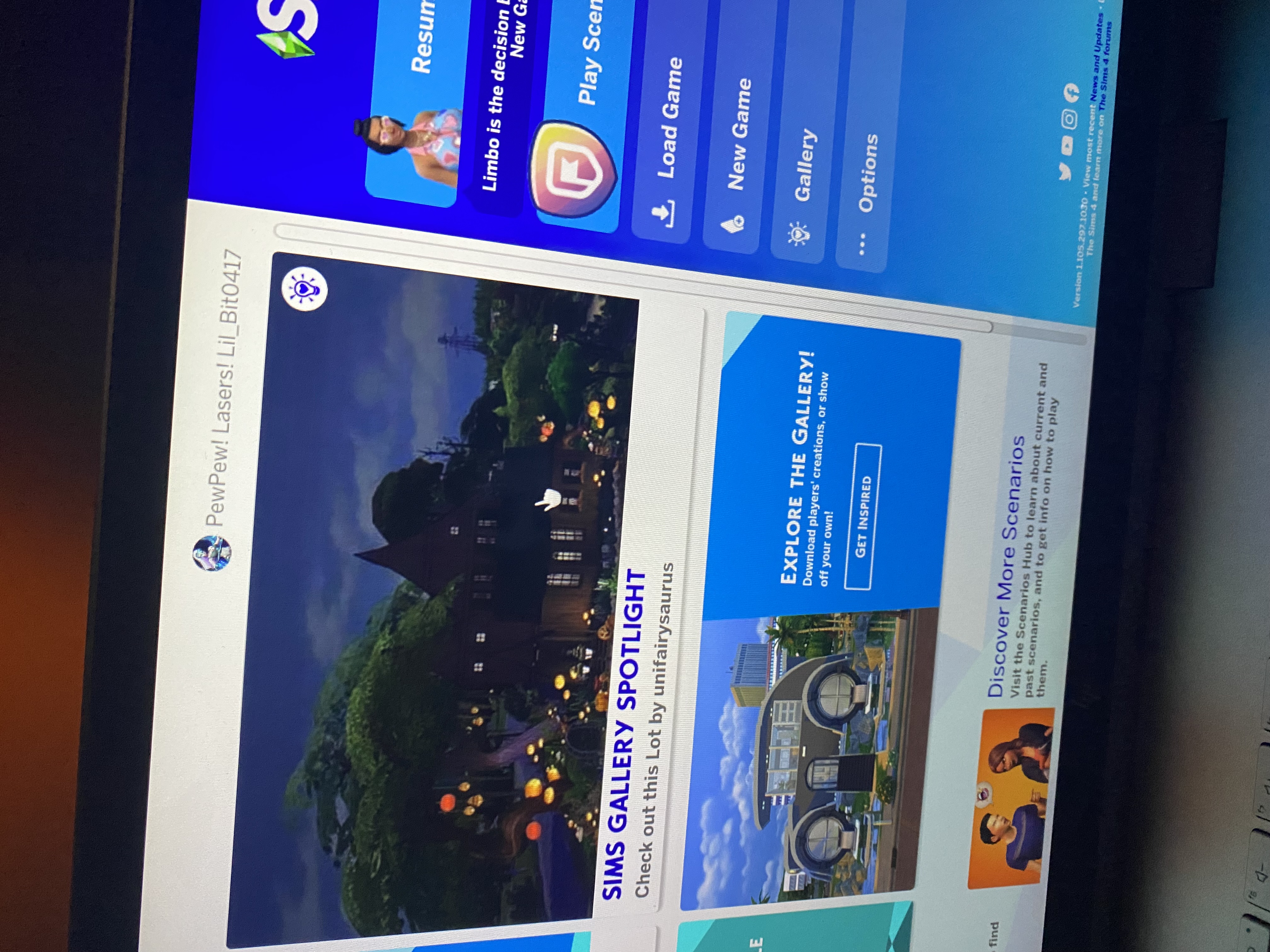
Steps: How can we find the bug ourselves? Go to be gallery or go to manage worlds.
What happens when the bug occurs? If you go to gallery you can’t download or save a lot or households. And when you go up to manage worlds you’ll just get the loading screen and nothing else.
What do you expect to see? I expect to save on the gallery or use whatever i see that i want from the gallery. I also would like manage my other families that i have in different worlds
Have you installed any customization with the game, e.g. Custom Content or Mods? Not now. I've removed them.
Did this issue appear after a specific patch or change you made to your system? Yes
Please describe the patch or change you made. The newest patch on February 27, 2024

I have some video proof about the manage worlds 

3 Replies

  • HI  @Lil_Bit0417 

    The gallery only works if you have an actual save game loaded. Did you do that ?

    If you did, try the following

    • Close the game
    • Rename Documents\Electronic Arts\The Sims 4 to Documents\Electronic Arts\The Sims 4_Old
    • Repair the game
    • Start the game. All your content will be gone now as the game created a new folder. All your saves/.. is still in the old folder so not to worry
    • Start a new save game
    • Check if you still have the error
    • Report back with your results for further steps on how to get your stuff back.
  • Lil_Bit0417's avatar
    Lil_Bit0417
    Rising Newcomer
    1 year ago

    I did have it on a saved game. And I did everything you said and it worked. Ready for the next steps to how to get my stuff back

  • crinrict's avatar
    crinrict
    Hero+
    1 year ago

    First only put back your save game

    Copy all content from Documents\Electronic Arts\The Sims 4_Old\Saves to Documents\Electronic Arts\The Sims 4\Saves 

    If there's a duplicate because of the new save you created, either just overwrite the file if you don't want to keep the new save or rename the new one to a different number that hasn't been used.

    Now test again. If it still works, you can put the following folders back (just copy the content like you have done for the saves to their respective folders

    - Screenshots

    - Recorded Videos

    - Tray (your houses and households)

    - Custom Music if you have any

    Test again.

    If it still works you can move on to your mods folder.

    Copy stuff back in groups. Start with CC, most should be fine., then your mods but do make sure they are compatible

    https://answers.ea.com/t5/Game-and-Mod-CC-Issues/Mod-and-CC-Issues-Discussion-and-Support-1-103-Dec-5-2023-Game/td-p/13271165/jump-to/first-unread-message

    and here's a tutorial with pics for the whole process: https://sims4.crinrict.com/eng/2014/09/resetting-the-game-to-factory-settings-without-reinstalling/