Forum Discussion

14 Replies
Replies have been turned off for this discussion
 Ravager6197 years agoNot applicableThis is the one bug I don't have ever since I switched from PC to console a few months back.
 adamclark837 years agoNot applicableI don't know how many times it keeps getting stuck. How are we supposed enjoy the new Fashion pack if the game keeps freezing while in camera?
"Ravager619;c-17238036" wrote:
This is the one bug I don't have ever since I switched from PC to console a few months back.
That's strange cause it's happening to people on both PC and Consoles. The bug transferred to consoles from pc. LQuinn007 years agoNot applicableI was not aware of it.
- Ravager6197 years agoNot applicableI'm not getting the crash but I noticed something different in the console version. When I took photos with other Sims it slowed my game down for several seconds before it was back at normal speed. However, everything is fine when I shoot selfies or Simstagram pets.
This happened in a new game I started today. 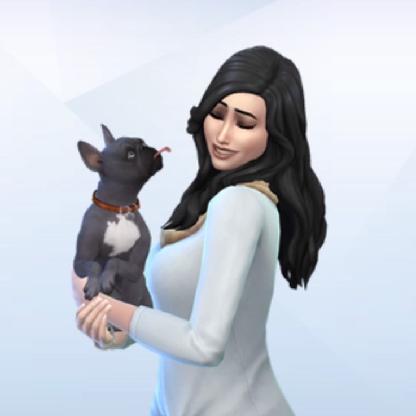 MsMaeve927 years agoSeasoned AceSame @Ravager619 and only occasionally does the game crash when doing this.
- Ravager6197 years agoNot applicable
"_natalie;c-17252669" wrote:
Same @Ravager619 and only occasionally does the game crash when doing this.
I'll have to keep an eye out on that when I play again today. I'm also going to restart my PS4 before I start playing to see if that has any effect on this bug. - adamclark837 years agoNot applicableI too have noticed the speed drops after coming out of camera view. All I do is simply Pause the game for a second and it's back up.
 nuada_morrigana6 years agoNot applicableSince last update i don't get stuck but cursor is gpne. Have to exit game compleetly and restart.
- nuada_morrigana6 years agoNot applicableFor those who have problems after use of the camera or the camera on the tripod, try to switch to first person view wait 3 to 5 seconde and switch back to. This helps me eveytime.
Featured Places