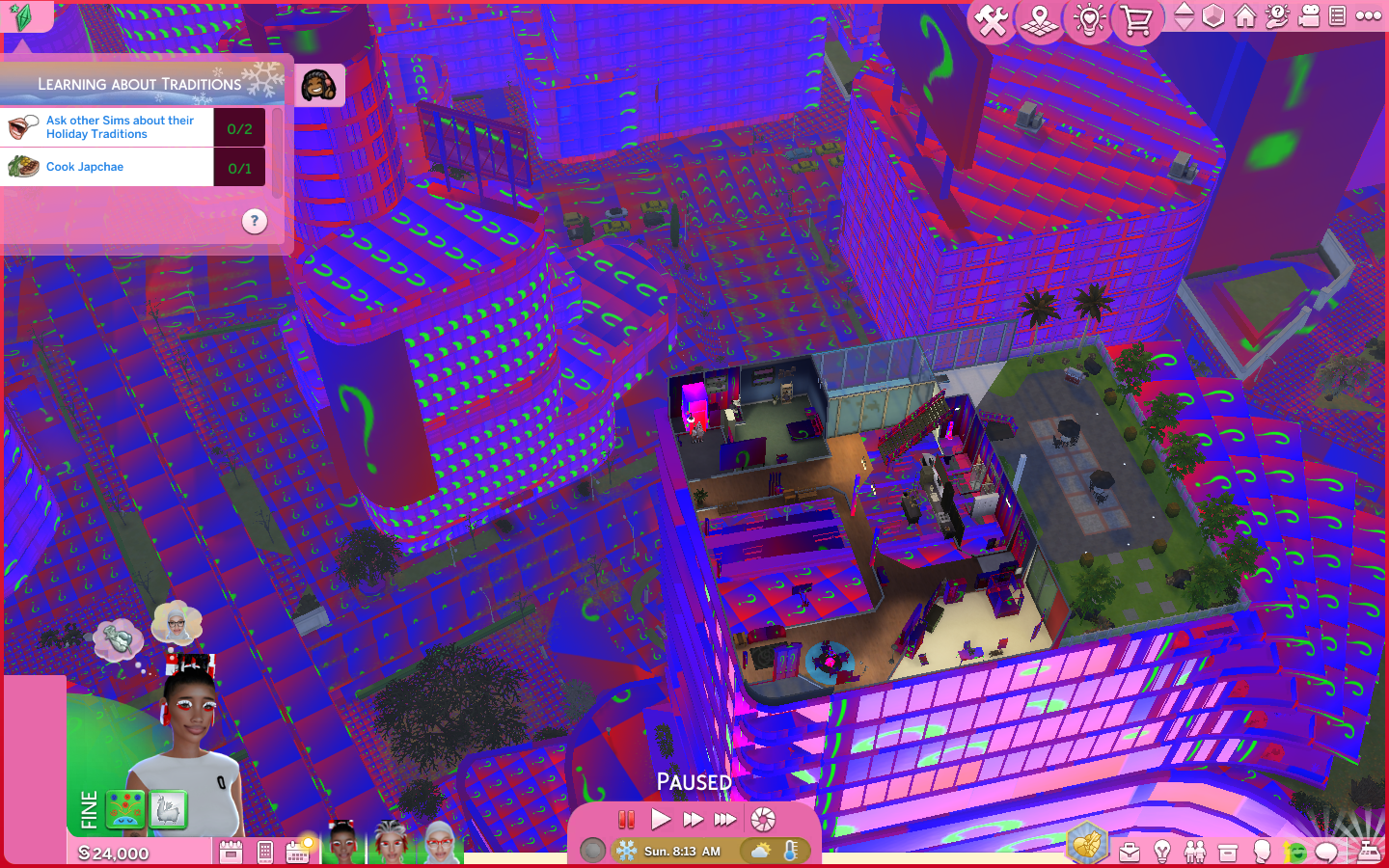
@Stephiiee1_1 Possibly multiple issues here. Try this to see if a reset helps:
- Drag your whole Sims 4 folder from Document > Electronic Arts to your desktop.
- Run a Game Repair
- Launch Sims 4 and reset your Options.
- Start with New to test if your issue recurs in a new game.
If that works, start putting old content back:
- Exit and copy files out of your old Saves folder into the new Saves folder. Important: Don't just copy the old folder! You want to use the newly created folders.
- Launch Sims 4 and use Load to select an older save to test.
If that works:
- Copy your old Tray files (this is your Library), Screenshots and Videos files.
- Now you can work on your mods. There's a good chance some are outdated or wrongly installed. As you put them back, check the original installation instructions. Check the Broken/Updated Mods & CC . Other resources for testing mods are in How to Use Mods and CC