Forum Discussion

Katatonickatnip's avatar
Katatonickatnip
Rising Newcomer
2 months ago

Missing Textures

After the marketplace drop and update some of the textures from packs have disappeared. The items them selves are available they just show up red/white with a ? or completely invisible, and some of the worlds are not visible (not just grayed out). I have googled off and on for days and tried everything I could find. I have repaired the game multiple times, uninstalled and reinstalled multiple times. Confirmed all packs are downloaded next to the sims 4 app, selected and  active. Uninstalled, purged all files (including saves) and reinstalled. I’m at my wits end and really pissed. I just bought the Enchanted by Nature, Adventure Awaits, and Royalty and Legacy right before the update and barely played it. I’m on a Mac and use an external harddrive but nothing about my setup has changed.  

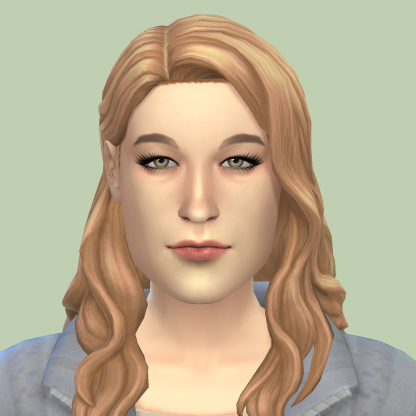
The attached photo is from CAS after my file purge and reinstall. 

3 Replies

  • Katatonickatnip​ Please check if all packs are actually loaded. You can do these two things:

    1. EA App >Help > App Recovery
    2. Check pack selection under the Marketplace.

    If that doesn't solve your issue, please try this:

    1. Rename the Mods folder
    2. Delete localthumbcache
    3. Start the game and exit
    4. Copy CC files back into the new folder but don't copy the old Resource.cfg file.
  • Katatonickatnip's avatar
    Katatonickatnip
    Rising Newcomer
    2 months ago

    All packs are downloaded and activated. It’s a brand new EA folder as I deleted everything. I followed a thread that was about missing textures and deleted the listed EA & Origin files in my computer’s library. I don’t have any CC. 

Featured Places

Node avatar for The Sims 4 Mods & Custom Content

The Sims 4 Mods & Custom Content

Find tips, tutorials and troubleshooting for mods and custom content, and The Sims 4 patch files here.Latest Activity: 1 hour ago
17,107 Posts