Forum Discussion
13 Replies
Replies have been turned off for this discussion
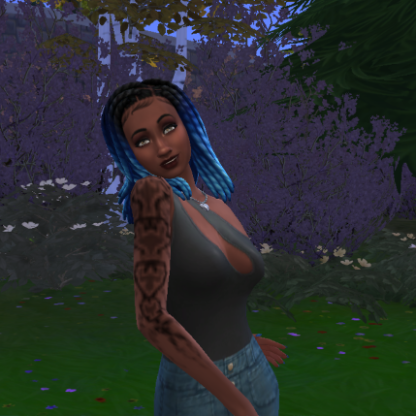
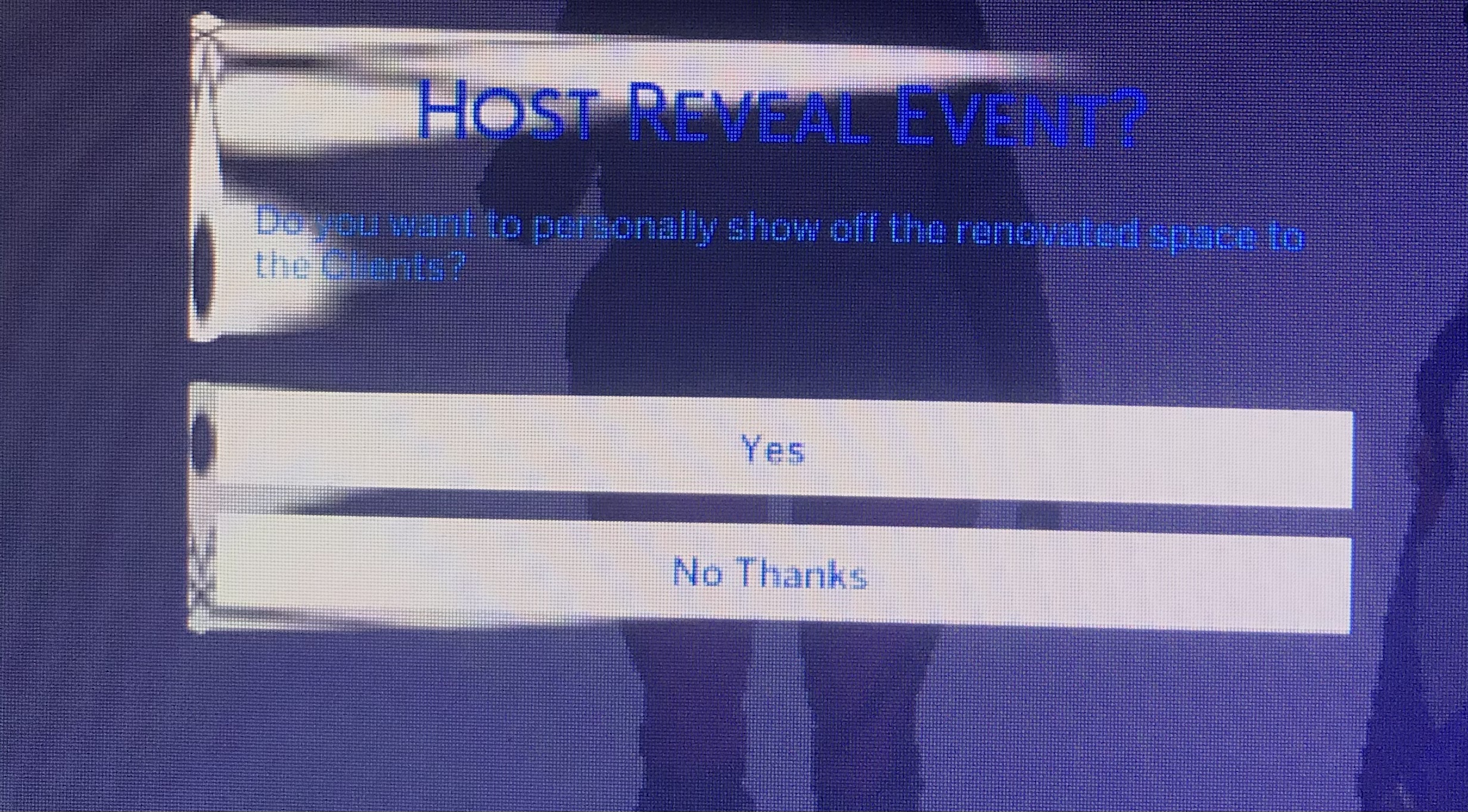
The 1st picture is on main menu, 2nd is manage worlds, 3rd is live mode, 4th is build mode, and 5th is any pop up in game, 6th is CAS.
@madabanana Honestly, I'm a bit stumped. I've never seen this issue that wasn't caused by either mods or the wrong in-game resolution. (Your game still looks like this in windowed mode with a reduced resolution?) I believe you've repaired too, so I'm running out of ideas.
One thing you could try, just to be thorough, is creating a new admin user account on your computer and playing there. (Make it a local account, as in don't sync with Microsoft, and don't sign into any other services.) You could sign into your current Origin account, and you shouldn't have to redownload anything. If the problem is still there, the issue is the game files; if it's not, it's the user files.
And you could delete the new account after testing.
I made a new account and loaded the game so an electronic arts folder would be made for the new account, the problem wasn’t there. But every time I take out my Mods folder anyways it solves the problem. Then I put all my files back into the electronic arts folder via thumb drive and the problem appeared again. So it’s definitely in the game files. But obviously if I delete all my mods I will lose all my CC and I have a ton of it.
@madabanana I thought you'd said that the issue was still present even in a clean folder with no mods at all; that's why I was stumped. Clearly the issue is one or more of your mods, and you'll need to test them to find out which one. Start with mods that change the user interface, e.g. UI Cheats, and if that doesn't help, you can use the 50/50 method to sort through your mods:
https://modthesims.info/wiki.php?title=Game_Help:Finding_Problem_Custom_Content#The_50.25_Method
- @puzzlezaddict I found the broken mod, sorry for the confusion
Can you Say what the broken Mod was, I'm having the same GUI Problem
- @madabanana What was it?
- @Darkitten321 Hey! I found out it was MTS_QuackGames_1855854_VictorAndrade_DirectControls
The Direct Control Mod, I had to Chop up my folder to find it :/
I also found it messed with Tmex Better build Buy @madabananawhat the broken mod,, can you tell me please
im confused with the broke uiif anyone else is still having this problem, i just did and can confirm it is mod related but the mod varies between which ui mods you have. i had only one and it was the mod Tmex-BetterBuildBuy
 EA_Cade3 years ago
The Sims Team
Hey all,
This thread is quite old and has been closed to new comments now. MadelineHart168 months agoNewcomer
This is the problem I’m having currently, were you ever able to get it fixed?
MadelineHart16 Please start at Mod & CC Issues: START HERE


Featured Places