Forum Discussion


2 years ago
@simsplayer818 It shows that my EA account is linked and then it will restart my game but nothing will be different. It just restarts then shows the same thing.

simsplayer818
2 years agoHero
@TheeDollJade That's really strange I don't see the Online Social Features check box on your menu. It should be side by side with the Trail Animations check box.
I wonder if it's your Xbox privacy settings.
Off the top of my head I can't remember the setting on your Xbox that you need so I've googled it and I think it's this one:
Go to Profile & system > Settings > General > Online safety & family. Select Privacy & online safety > Xbox privacy > View details & customize > Game content. Choose the filter that you want under You can see and upload community creations.
Maybe take a look at that console setting and see what it's telling you. Since your EA account is linked it doesn't seem that's the issue.
I wonder if it's your Xbox privacy settings.
Off the top of my head I can't remember the setting on your Xbox that you need so I've googled it and I think it's this one:
Go to Profile & system > Settings > General > Online safety & family. Select Privacy & online safety > Xbox privacy > View details & customize > Game content. Choose the filter that you want under You can see and upload community creations.
Maybe take a look at that console setting and see what it's telling you. Since your EA account is linked it doesn't seem that's the issue.
- 2 years ago
I already had custom settings but I made some alterations and it’s still not working. It’ll say that my EA account is linked and that I need to restart the game then I’ll get a pop up saying “Connection Failed” even though I’m connected to the internet and the whole game just restarts.
- simsplayer8182 years agoHero
@TheeDollJadeHave you checked your Xbox is up to date by checking for an update? I'll take an image of my settings for you when I'm on my console.
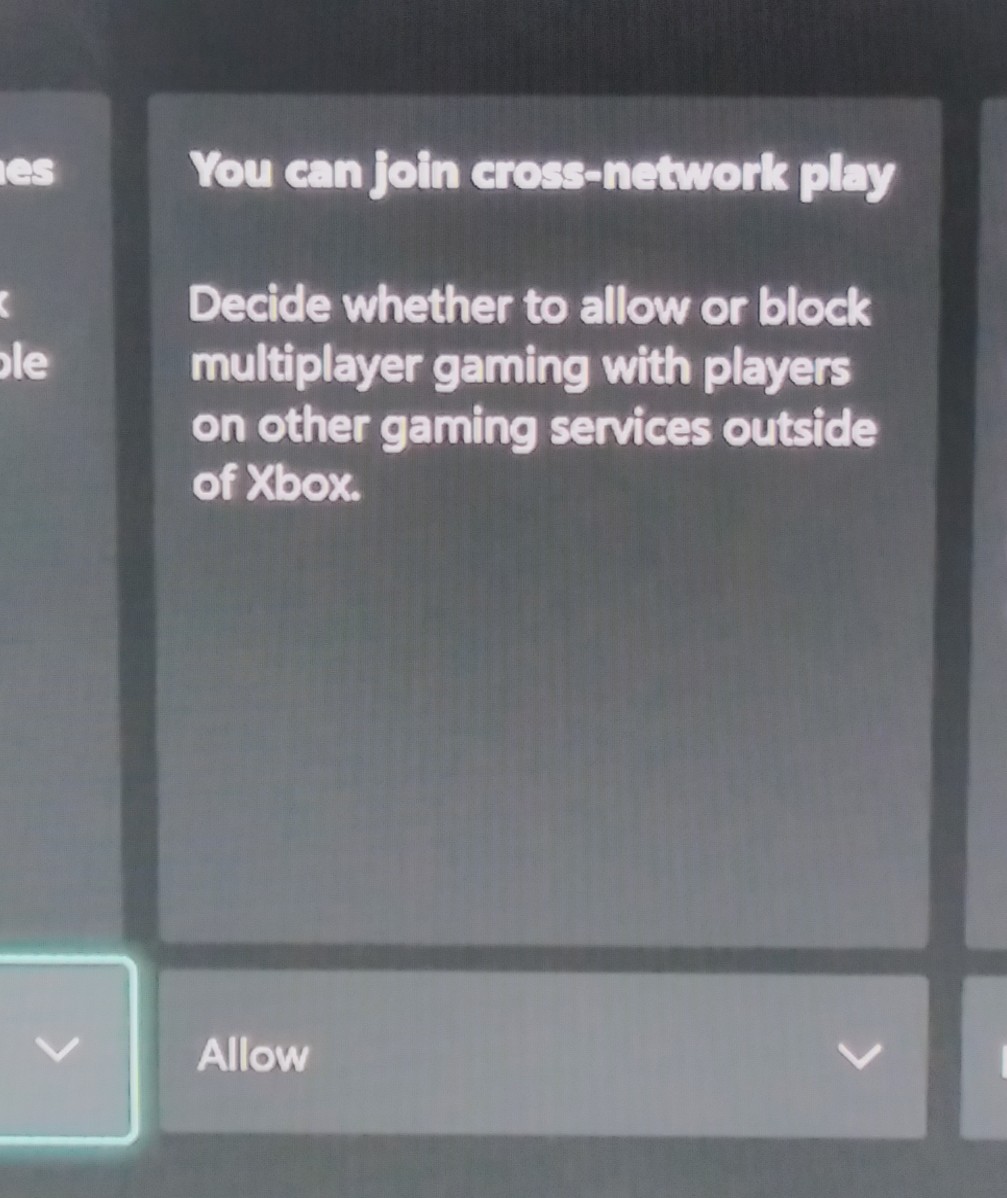
You could also restart your router and remove and then link it again to your console.Edit: I checked the steps I posted earlier and mine looks like the attached image. In Account Communication and Multiplayer it looks like the 2nd attachment. I'm also attaching some connection troubleshooting tips too.
https://help.ea.com/en/help/faq/problems-playing-online/
https://help.ea.com/en/help/faq/connection-troubleshooting-basic/
Featured Places