Forum Discussion

2 years ago
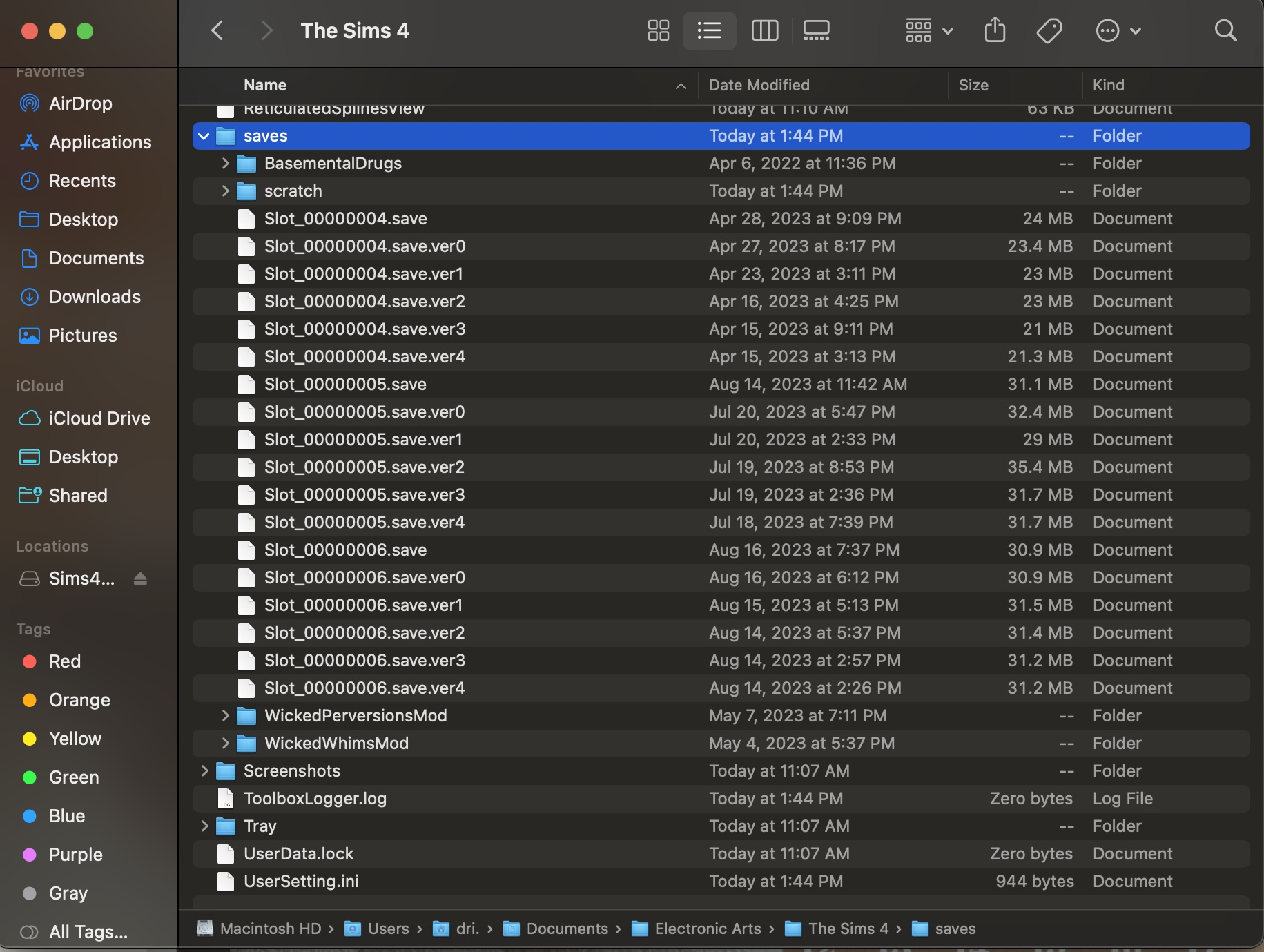
Here’s the SS of the save files
idk how the symlink saved like that when I thought I did each step right.

Bluebellflora
2 years agoHero+
@DrixDrizz
Thanks. Your game will be loading from that folder, not the one on the external drive so the problem is in that folder. Rename the Mods folder in that folder, trash the localthumbcache.package file and then try to launch the game (this is discounting a Mod issue). Once you have the game successfully launching you can then retry the symlink.
Thanks. Your game will be loading from that folder, not the one on the external drive so the problem is in that folder. Rename the Mods folder in that folder, trash the localthumbcache.package file and then try to launch the game (this is discounting a Mod issue). Once you have the game successfully launching you can then retry the symlink.
- 2 years ago
Hi, sorry for the late response. I renamed the mods folder and when I went in game it didnt register the mods this time but when I exited the game it created a new Mods folder.
- 2 years ago
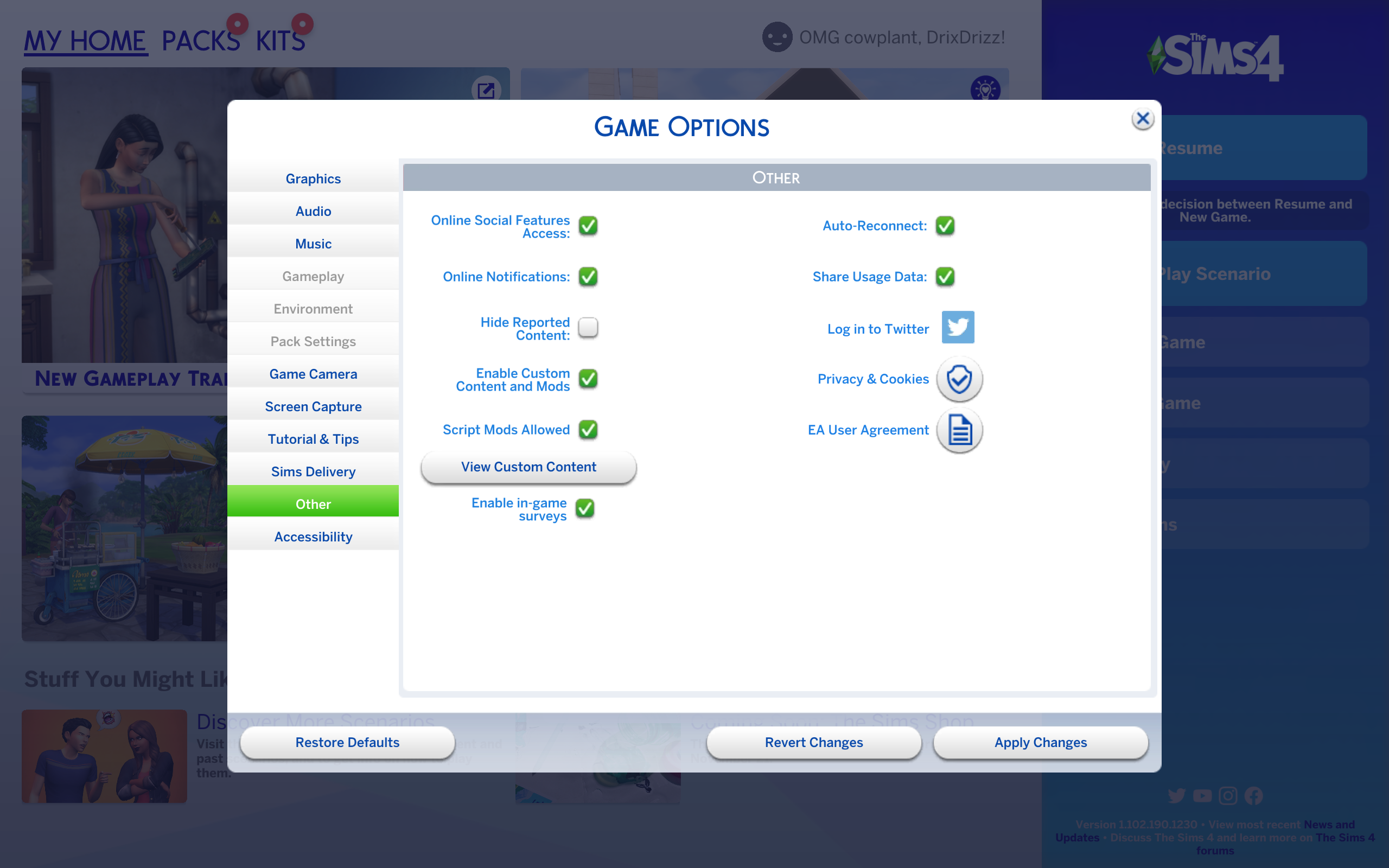
Here’s the second screen shot showing the recreated mods folder the game made
- Bluebellflora2 years agoHero+@DrixDrizz
Yes, that is exactly what happens when you rename the Mods folder, the game creates a new one. This proves the non-loading issue is in your Mods folder so you need to figure out which one(s) is problematic by checking your Mods for updates to make sure they are compatible with the game.
Featured Places