Forum Discussion


Bluebellflora
5 years agoHero+
@IvaIvanaa
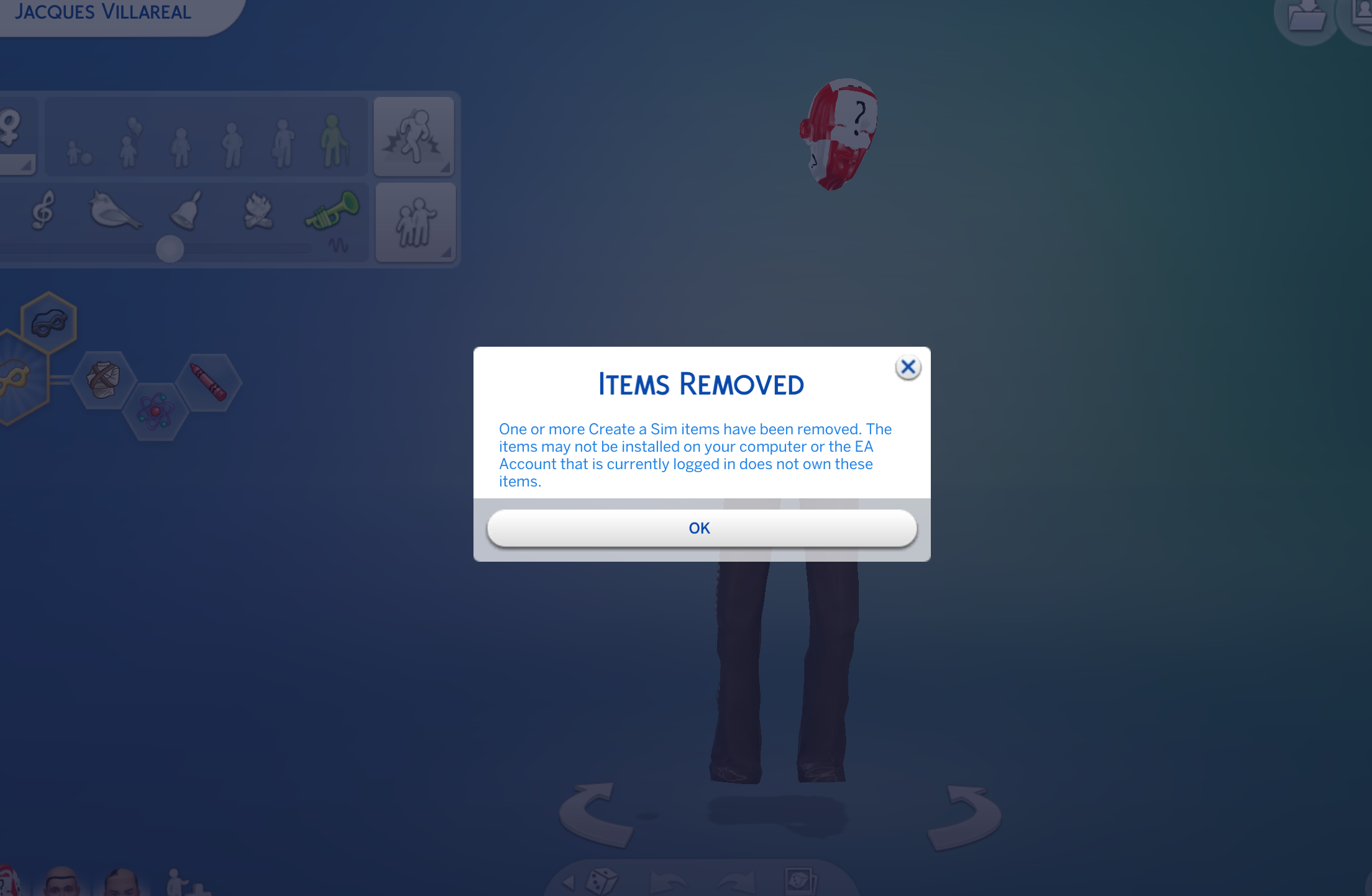
Hmm. Did you see Crin's post here? https://answers.ea.com/t5/Technical-Issues-PC/CURRENT-ISSUE-Several-Issues-after-incomplete-Installation/td-p/8422889 it has been an issue for months now but trashing that folder should fix it. You could also try a super repair of the base game - https://answers.ea.com/t5/Technical-Issues-Mac/READ-FIRST-Sims-4-Mac-Help-Guides-and-Troubleshooting/m-p/4612394#M815
If none of those work then I would uninstall and reinstall, launching a new game before trying to move any of your saves back in.

5 years ago
@Bluebellflora Thank you! I found the steps for the solution in the thread you linked and my game is working properly now
- Bluebellflora5 years agoHero+@IvaIvanaa
Thanks! Can you remember specifically what fixed it? Having the DLC installed in a separate folder on a Mac causes a similar issue so it isn’t always easy to figure out if it’s that issue or the one in the PC tech forum ☹️
@bubbladubbla
Could you please check the link in my previous post and see if that applies to you? Please also read the first page in this thread for explanation about where packs install to in macOS and how to force a re-download of the affected packs. - 5 years ago@Bluebellflora Sure! I repeated the same steps you outlined but also right-clicked on the game in the Origin app and clicked “repair” there.
- Bluebellflora5 years agoHero+@IvaIvanaa
Thanks! That’s really useful to know as it indicates the base game also needed repairing 🙂
Featured Places