Game crashing or not loading especially after updating? Post here.
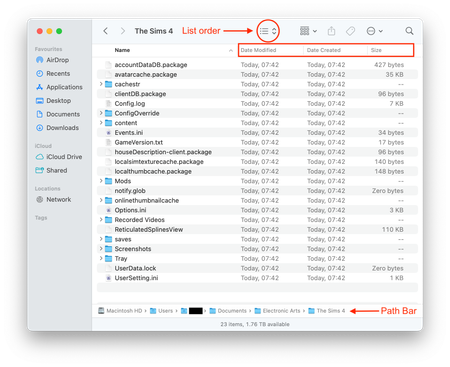


Hi, I’ve been unable to open my game for the past three days. When I click "Play" in the EA app, The Sims 4 icon briefly appears, then closes itself after a few seconds, and the EA app reopens.
Steps Tried:
Despite all this, the issue persists. I haven't modified any files, and the game was working fine earlier. I simply closed the app, and when I tried launching the game again a few hours later, this started happening (a few days ago).
System Specs:
I’m not sure what else to try at this point. Any help would be greatly appreciated!
i’m also having this issue, what did you do to fix it?