[READ FIRST] Saves, CC/Mods or Library items disappeared? iCloud issues
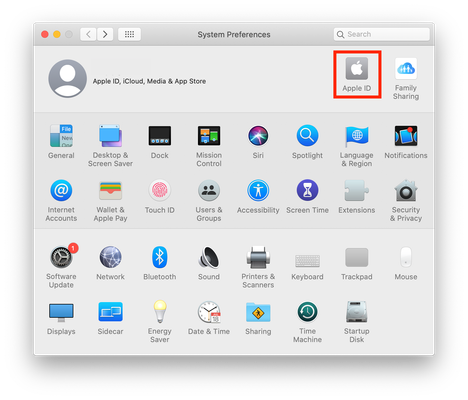


I've been playing the sims 4 with mods for years on my Mac but after the last few updates on Mac it messed up my mods. I've tried pretty much everything to solve the issue but I can't figure out what's happening. So I can download anything online files and documents and they all seem to be working just fine but my Mod files all look like empty documents.
I tried uninstalling and reinstalling the game, I looked for Mac system blockers that could be preventing any file downloads but nothing works. any document or file is working its just the mod files looks like corrupted documents but I deleted and re downloaded a bunch of different ones but they look like the only documents that are not working.
so please help!!
well before when they used to work they looked like exec files and now they just look like empty documents. They are in my documents folder- electronic arts-sims4-mods. I deleted all the mods and re-downloaded some but doesn't seem to work.
Can you give me the exact file path please. Click on a CC file once to select it then go to File > Get Info. Under the General > Where section near the top of the info window please copy and paste the location of the file here. You can just put USER where it states your Mac user account name.
@Bluebellflora
when I copy/paste it comes up as;
/Users/user/Documents/Electronic Arts/The Sims 4/Mods
but on the file info it says iCloud Drive>documents>electronic arts>the sims 4>mods






