[READ FIRST] Saves, CC/Mods or Library items disappeared? iCloud issues
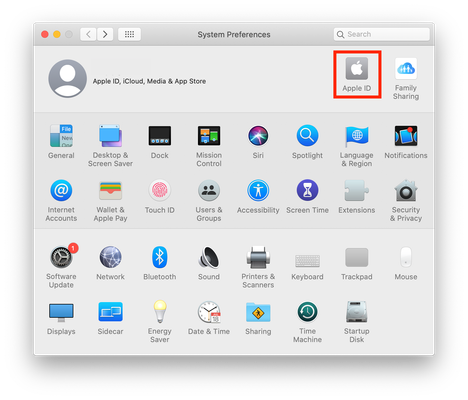

Can you give me the exact file path please. Click on a CC file once to select it then go to File > Get Info. Under the General > Where section near the top of the info window please copy and paste the location of the file here. You can just put USER where it states your Mac user account name.

@Bluebellflora
when I copy/paste it comes up as;
/Users/user/Documents/Electronic Arts/The Sims 4/Mods
but on the file info it says iCloud Drive>documents>electronic arts>the sims 4>mods




