[READ FIRST] Saves, CC/Mods or Library items disappeared? iCloud issues
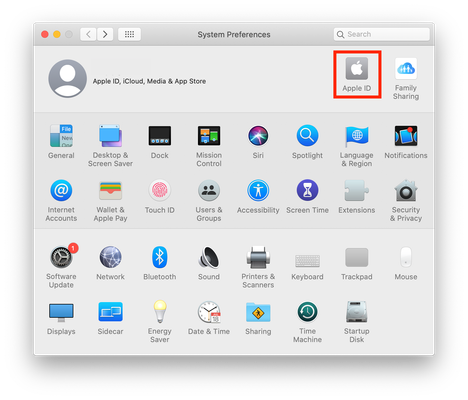

Sims 4 doesn’t support cloud saves in Origin.
Please open Terminal and copy and paste the following command then hit Enter/Return:
find ~ -type d -name "*The Sims 4*" 2>/dev/null
After a little while it will return the results of the search. Please copy and paste the results in a post here.

/Users/ravenholmes/Library/Mobile Documents/com~apple~CloudDocs/Documents/Documents - Raven’s MacBook Air/Electronic Arts/The Sims 4
/Users/ravenholmes/Library/Mobile Documents/com~apple~CloudDocs/Documents/Electronic Arts/The Sims 4
/Users/ravenholmes/Applications/The Sims 4 Packs
/Users/ravenholmes/Applications/The Sims 4.app
/Users/ravenholmes/Applications/The Sims 4.app/Contents/Resources/The Sims 4.app
ravenholmes@ravens-air ~ % this is what is says but the dat I'm referring is from January 17 2022 at 11:01pm that's what I'm missing .
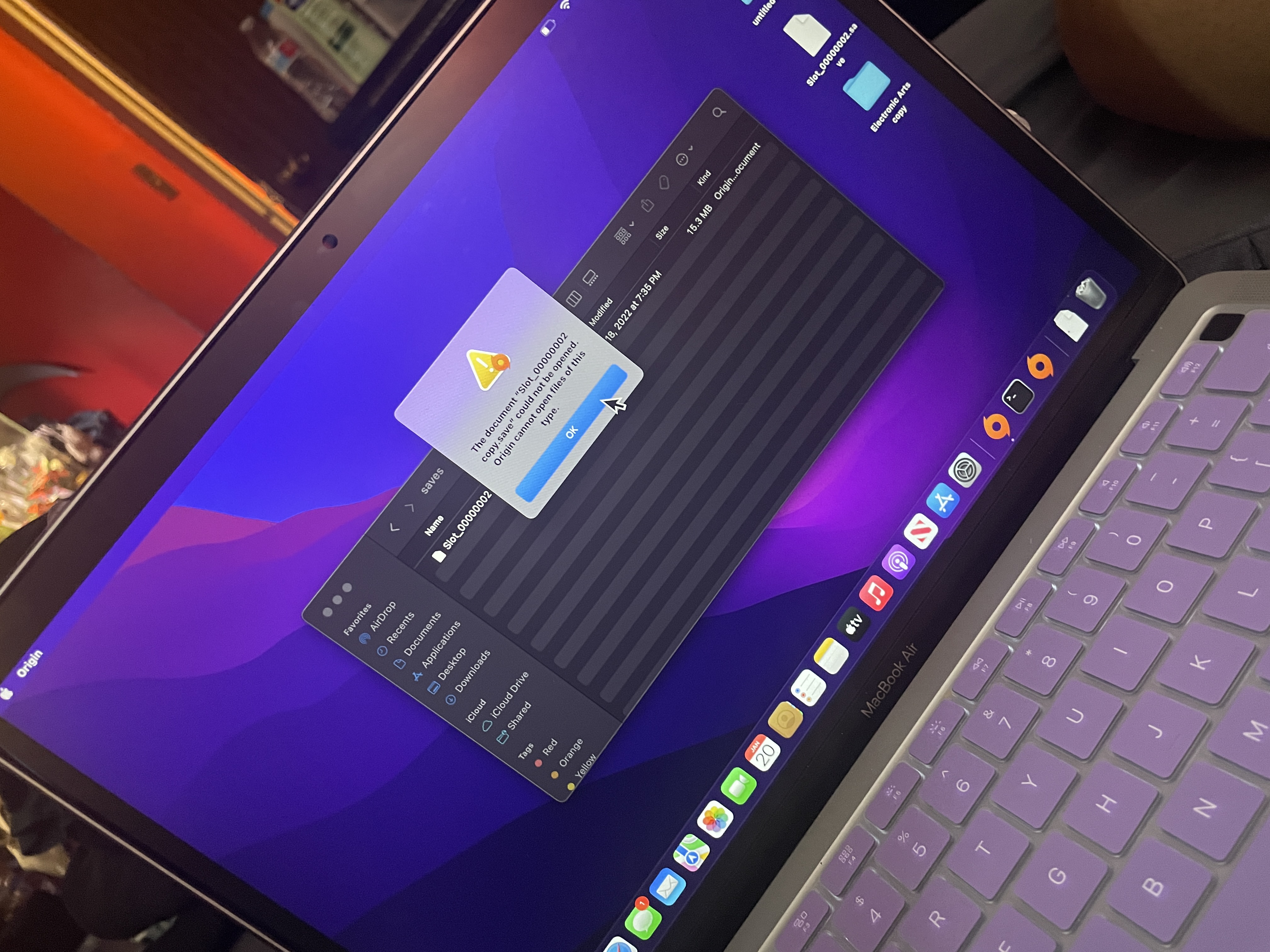
it tells me origin cannot open files of this type . when the original document come from origin
its telling me it cannot opent his file in origin . i dont have anything on my cpu as far as pics i have enough storage its a brand new cpu. i dont even have my icloud drive on here . i copied the files from icloud and im afraid to delte the oroginal folder because nothing is working