[READ FIRST] Saves, CC/Mods or Library items disappeared? iCloud issues
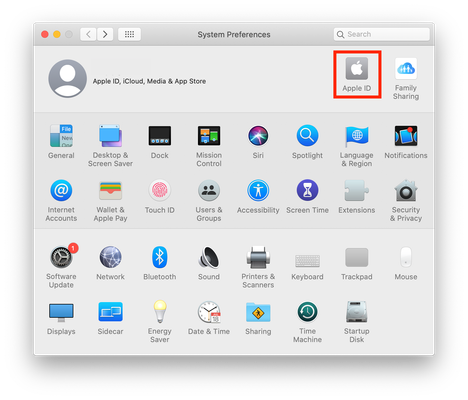


Thank you. I’ll check and see if it has to do with my optimizing Mac storage, however, the sims 4 file is on my desktop, not on my iCloud. Additionally, only the iCloud files from my final saves in my laptop are there (April 2024).
Sorry I should’ve specified, I meant that I don’t have my documents in the iCloud. They’re in the normal documents folder you’re talking about. Documents - EA - Sims 4 etc.
I’m not sure if the iCloud issue would apply in my case since my files are directly saving to my documents on the laptop, and not being backed up on the cloud.
No, I save them locally as you can see in the screenshot. It's only saving up to the first 4 versions of my saves. It goes through a process of automatically deleting it and replacing it with the next oldest, etc. I can't recover it after... so frustrating in case something happens I can never go back to a save from weeks ago. It would only be a day or two max depending on last time i played. Is this related to the iCloud issue or is this something else?
Also, I have a 2024 Macbook Pro with M3 Max chip and 1 TB, so this isn't a storage issue nor do I have the macOS Sonoma 14.4.

