[READ FIRST] Saves, CC/Mods or Library items disappeared? iCloud issues


Two weeks ago I had to start my sims alllll the way over which was frustrating. I began rebuilding and creating sims. I got an error message saying the game couldn’t be saved but then in the neighborhood it was saved.
I tried to get back on my game and it says new game instead of resume game. I tried everything. Restored origin. Repaired game. Even tried a new sims 4 folder.
I attached below what my saves looks. What do I do ? I saw somewhere it said change the most recent save to .save and delete the .tmp. I did that and still nothing.
FYI most recent save was the one that said 3.save.tmp. (The second in the picture)
I only deleted the tmp at the end of that one. That was the latest save. The other saves were older in the day.
should I move the newer one and make an older one the file ?
idk if it has to do with my storage on my Mac. One time this week the game loaded but only allowed a new game. I exited out origin and went back then my old games were resumed. then when I played the game had an issue saving and gave an error. I exited out and never was able to access my old sims and lots since. Ugh! Help please lol
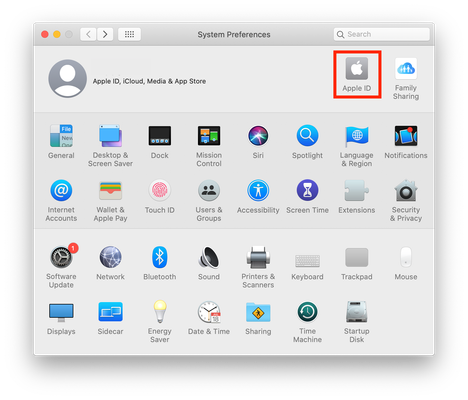
Most of the time, when people say they're losing saves it's down to iCloud. Have a look at the opening post in this master thread https://answers.ea.com/t5/Mac/READ-FIRST-Saves-CC-Mods-or-Library-items-disappeared-iCloud/m-p/10242133#M45493
We can do a search for all the save files on your Mac. Open Terminal (Applications > Utilities) and copy and paste the following command then hit Enter/Return:
find ~ -type f -name "*Slot_*" 2>/dev/null
After a little while it will return the results of the search. Please copy and paste the results in a post here. You will know when it's finished because the command prompt will reappear.

