[READ FIRST] Saves, CC/Mods or Library items disappeared? iCloud issues
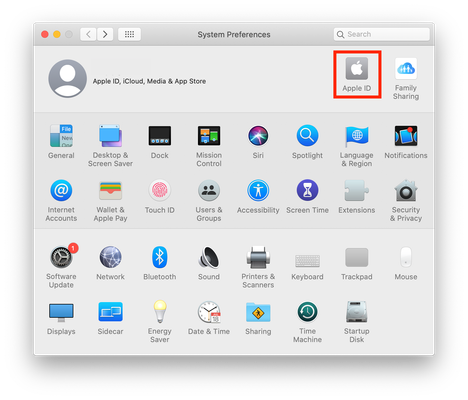

Most of the time, when people say they're losing saves it's down to iCloud. Have a look at the opening post in this master thread https://answers.ea.com/t5/Mac/READ-FIRST-Saves-CC-Mods-or-Library-items-disappeared-iCloud/m-p/10242133#M45493
We can do a search for all the save files on your Mac. Open Terminal (Applications > Utilities) and copy and paste the following command then hit Enter/Return:
find ~ -type f -name "*Slot_*" 2>/dev/null
After a little while it will return the results of the search. Please copy and paste the results in a post here. You will know when it's finished because the command prompt will reappear.

I put the code in next to my name and Mac book. then my name and Mac book pop up again. Is it supposed to do that? doesn't seem like anything is loading.
I put the whole code in idk why my screen shot cut off
Hey I fixed it.
i cleared space and turned off optimize storage. I created a new game and saved. I went back and clicked load game and my older game was there. Thanks for your help. I believe I followed some of your steps in a blog!

