Anonymous
8 years agoBuild mode broken
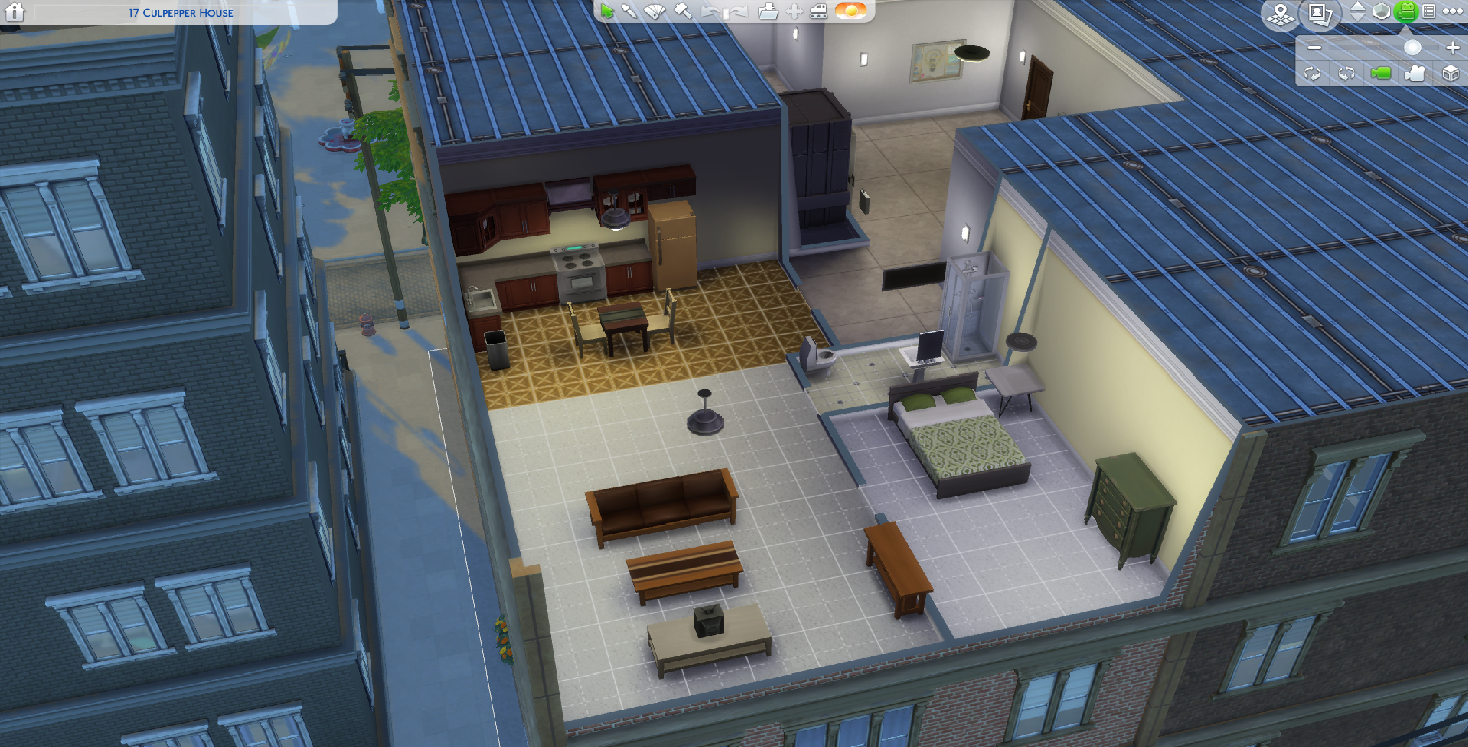
The bottom panel in my build mode is completely gone since the new update. I repaired the game through Origin but it didn't fix it. Is anyone else having this problem? What else can I do to try to fix it?
The bottom panel in my build mode is completely gone since the new update. I repaired the game through Origin but it didn't fix it. Is anyone else having this problem? What else can I do to try to fix it?

Are you using custom content or mods in your game ? If so, have you tried removing those ?
A lot of custom content/mods is outdated and needs updating (this includes ALL script mods, including any UI mods you might have).
Try removing everything and see if it then works.
If it does, narrow down which one it could be.
Use the 50/50 method: http://modthesims.info/wiki.php?title=Game_Help:Finding_Problem_Custom_Content
I also had that issse. What fixed it for me was taking out the light mod I had in the game. Don't know if you are using any lighting mods for your game. But if do maybe try that out, if the game is still givving you issues of course.
Could you try letting the game make a new game folder?
- Go to Documents\Electronic Arts\
- Rename the 'The Sims 4' folder to something like 'The Sims 4 old'
- Start the game, this will create a new folder.
- Test the game, if it works fine start moving folders from 'The Sims 4 old' over to the new folder.

They just updated the mod yesterday!
[Phantom: Links to mods aren't allowed]

 Community Manager