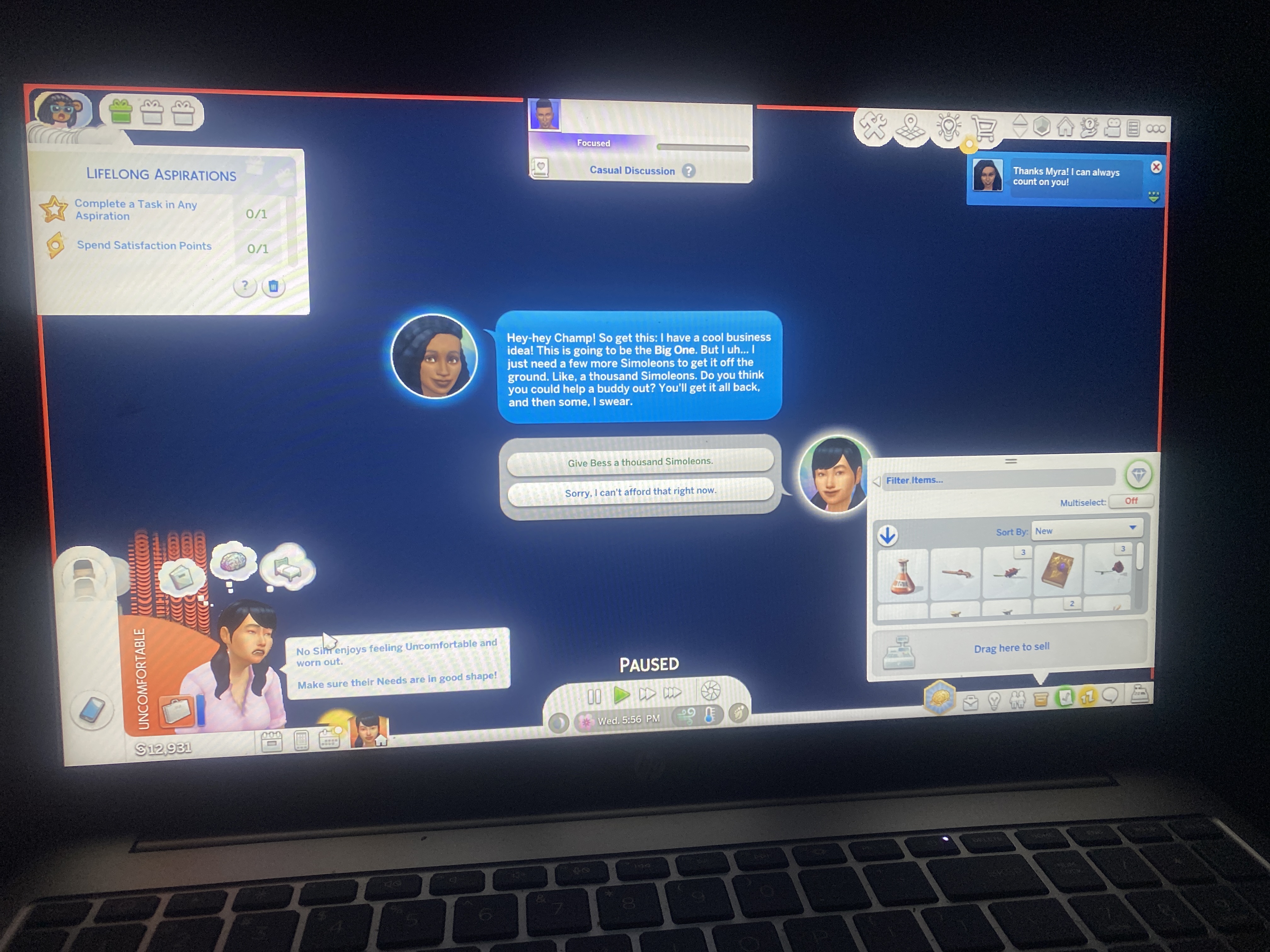
Game Bleeding
 3 months ago
GoldGoddezz Sorry for the late reply. Crinrict asked me to look over this thread, but I've been away from the forums for a couple days.
At any rate, it looks like your laptop's graphics chip has been disabled for some reason. So click Windows key-X, select the Device Manager, expand Display Adapters, right-click the AMD Radeon entry, and choose Enable, then restart your computer.
If that doesn't help, you may need to reinstall the proper graphics driver. Go here:
https://support.hp.com/us-en/drivers/laptops
Enter your serial number, choose your OS (just Windows 11 is fine) if prompted, click All Drivers, expand Driver-Graphics, and download the newest Intel and Nvidia drivers by version number. The first number matters most, e.g. 32 is newer than 31; after that, the last four numbers matter.
Download the correct driver and run it as an admin: right-click the download and select "Run as administrator." Restart your laptop afterwards and before trying to play.