Grey Screen on the world map
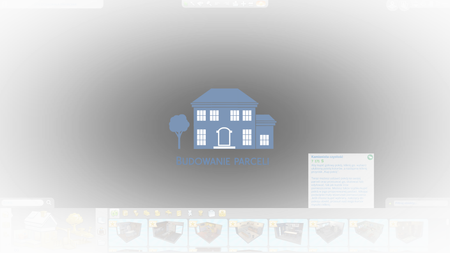

Dear Crinict The grey screen appears only at the first 2 lots that the game shows the restaurant and the spa than the game works normal. I updated my graphic card to the newest version and change the screen asus splendet utility to normal. before I used eye care as default. I tried then to start the game again the grey screen doesn't shown. Now I uninstalled the game , cleaned with ccleaner and then reinstall the game again.I hope that this will help.
I tested It again other lot also from gallery are working fine only the first two that are shown by the beginning of my game are causing it,

The White Restaurant that show on the begining of the game from Dine Out and the Spa Zen from Spa Game pack. I don't know their names in English. When you open your home game gallery are the first from Dine Out and Spa Day Game pack. When I install tchem frome the home game library their are installing fine without problem but When I install tchem When the game shows these lots that is the problem. Sorry for late response.
I tried all spas and restaurants and don't have an issue with them
Might be some corrupted user file.
If you haven't done so, try resetting your user files as described in the factory reset described in this post: http://answers.ea.com/t5/The-Sims-4/FAQ-Troubleshooting-Steps-amp-Known-Issues/m-p/3621199
You won't loose anything. Just make sure to not delete any files and make a backup.
After renaming, repair your game by right clicking on the game in Origin.
Try on a new game with nothing added back first (start new game). If it works, put back your save game and try again. If it still works, you can start putting stuff back.
The rest does not need putting back, cause they are mostly cache files that recreate or log files that are not needed for the game.