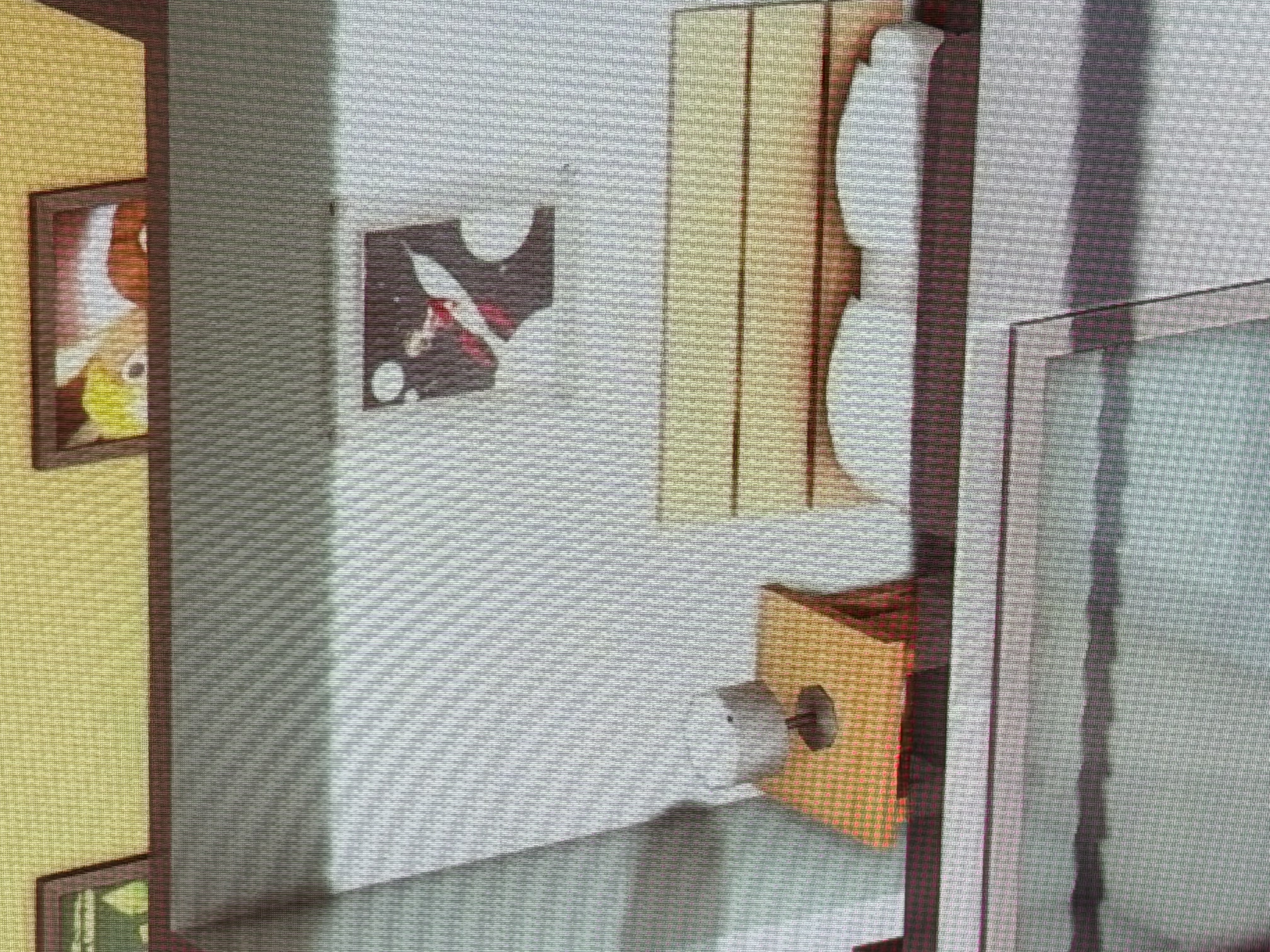
DigitalDust Would you be willing to experiment with lighting mods? If the shadows are worse in one world than in another, that suggests that it's not (entirely) the game overall, and lighting is one feature that differs from one world to another.
I'm not suggesting you should need to use a lighting mod going forward, although if you're happy with the results, you can. It's about gathering information.
For what it's worth, I do think most players either ignore this or figure the game is being weird again. I see occasional posts about it, but not enough to say it's a significant source of frustration. On the other hand, a lot of players who care about screenshots use lighting mods and other HQ edits, so they might be sidestepping this issue without knowing it.
Since you have a high-resolution monitor and use the same resolution in-game, I'd also like to know whether you see the same issues at lower resolutions (1920x1080, 2560x1440) in either fullscreen or windowed mode. It's possible Sims 4 doesn't handle your resolution as well as it should.