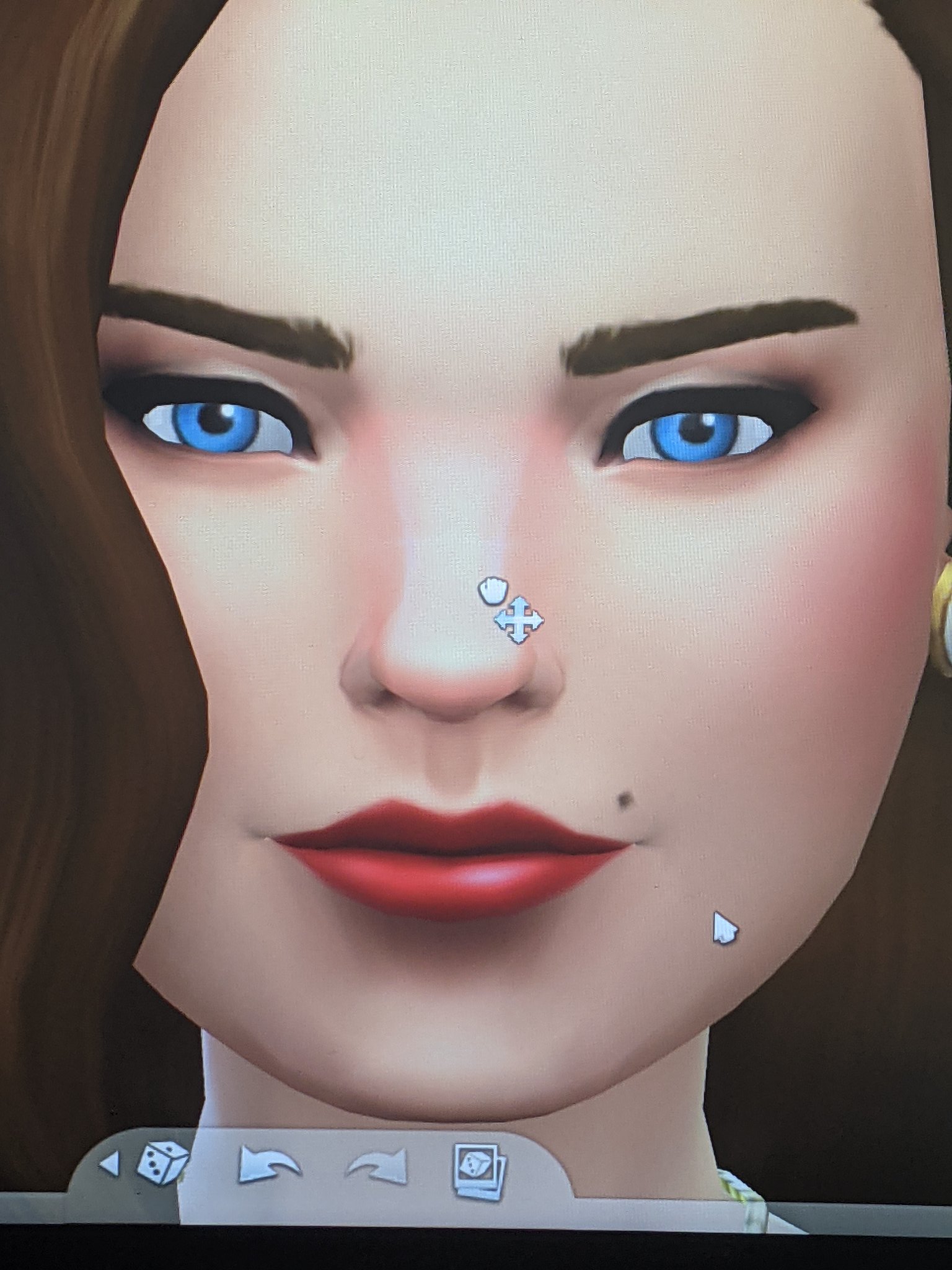
Mouse Cursor Glitching
Product: The Sims 4
Platform:PC
Which language are you playing the game in? English
How often does the bug occur? Every time (100%)
What is your current game version number? 1.35
What expansions, game packs, and stuff packs do you have installed? All
Steps: How can we find the bug ourselves? Loading into CAS
What happens when the bug occurs? The mouse cursor glitches and I cannot edit my sims (whenever I go to push or pull in CAS, it shoots to the extreme). Rotation is also at hyperspeed whenever I go to rotate with my mouse.
What do you expect to see? The mouse cursor should disappear and the drag icon should appear. Rotating with my mouse should not cause it to go haywire. It's near impossible to make a sim because of it.
Have you installed any customization with the game, e.g. Custom Content or Mods? Not now. I've removed them.
Did this issue appear after a specific patch or change you made to your system? Yes
Please describe the patch or change you made. Since the December 7, 2020 patch.