[READ FIRST] Unrecognized video card
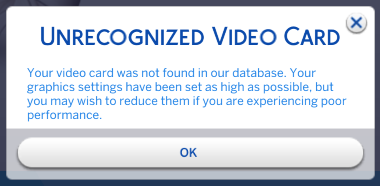


I tried this step by step and it still keeps doing it even tho. This is what it has in the config under graphic card.
=== Graphics device info ===
Number: 0
Name (driver): NVIDIA GeForce RTX 3060
Name (database): [Found: 0, Supported: 1]
Vendor: NVIDIA
Chipset: Vendor: 10de, Device: 2487, Board: 40721458, Chipset: 00a1
Driver: nvldumdx.dll, Version: 31.0.15.2802, GUID: D7B71E3E-67C7-11CF-1A7D-7D600EC2D235
I tried changing Number: 0 to 1 and also Found to 1 as well but even tho it saved as soon as load up the game it reverts.
@Nictie The config.log is just output, a report on your computer's hardware (and the in-game options you're using) as Sims 4 sees it. It gets overwritten each time you launch the game, so editing it isn't going to accomplish anything.
Instead, modify the graphicscards file, either your own or the one in this thread, to add your card. Open it and crtl-F to search for 2503 , which will bring you here:
card 0x2503 "NVIDIA GeForce RTX 3060" $cardLevelUber $resolutionHigh
Change the 2503 to 2487 , but don't edit anything else. Then launch the game and see whether your card is recognized.