Forum Discussion


Sashas0nic
8 years agoSeasoned Ace
Hi @Bee9908
These 2 'problem families' could you explain the family connection of them, I have had similar issues once but worked out the families were related as in (all siblings) or similar.
Let me know if you still need help
Sasha
nb: If this solves your question, please mark the reply as having been the solution, so as to help others with a similar problem in the future.
I have no connection to EA

8 years ago
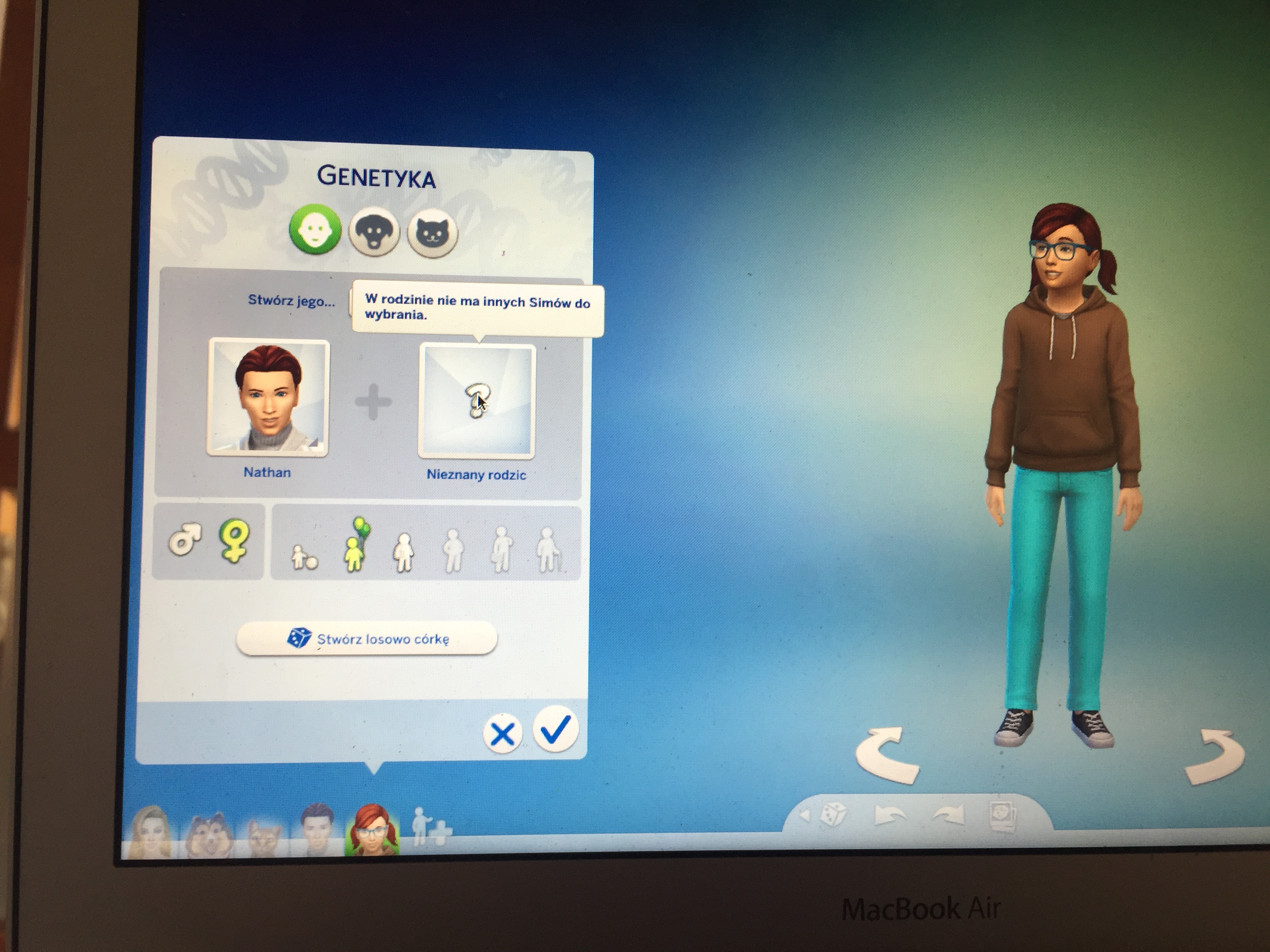
They are not siblings or cousins. Both are married couples. It is possible for them to get pregnant by “try for baby” interaction, but I cannot add kids in CAS, I can only create a kid of one of my sims.
- Sashas0nic8 years agoSeasoned Ace
@Bee9908 Just checking the process you're using to edit them..
Are you using cas.fulleditmode as in > 'testingcheats true [on]' > 'cas.fulleditmode' Click Sim while holding shift > Clicked 'Edit in CAS' ?
Also, are they Adults, and do you use any mods or cc?
In the image below is what I have (with only 1 adult in the lot) when 'hovering over the sim' there are no other....
Sasha
- 8 years agoI usually use CAS.fullEditMode and chose family from my gallery. However, now that i have typed it,it seems the CAS cheat doesn’t work. Maybe that’s the problem.
- Sashas0nic8 years agoSeasoned Ace
I still need to know your first steps, if it's Gallery to Cas to 'find and put in a household you don't need' cas.fulleditmode on anyway, but you do need to put in testingcheats true or testingcheats on for them to work
- 8 years agoI use CC but I have tried to remove them and it still didn’t work. They are all adults. Here is the photo. Sorry it’s not in English, but is says “there are no sims to chose from”.
- Sashas0nic8 years agoSeasoned Ace
Confusing @Bee9908 your title says add a parent and your post says add a child, so adding a child you have to click on the parent (not the child like your picture shows) to add a parent / another sim from the gallery you just click the gallery and 'merge' then add the 'connection'
Featured Places