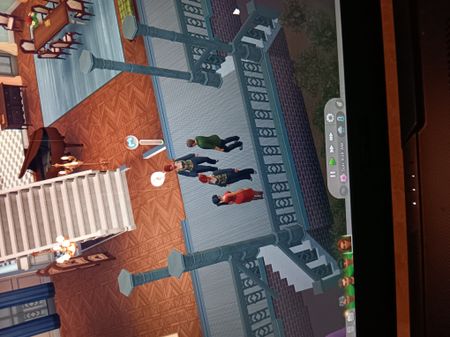
Sims moved onto a new lot won't move or do anything

bethandherbooks Please restart your computer before trying to play, but before doing anything else, open the Task Manager and see how much RAM is in use. It'll show as a percentage in the RAM header. Once you have that number, see whether playing with nothing else open works better.
The reason I ask is because your computer's page file is large enough in general, but it's almost all used. So at least at the time you ran the dxdiag, whatever programs you had open were eating a lot of resources. This could be the reason Sims 4 wasn't running well.
The question is whether you just happened to have a lot open (or you'd previously used some apps that didn't close fully), or there are a lot of programs and services running at startup, as in, RAM use is high even immediately after a restart.