Forum Discussion
crinrict
1 year agoHero+
@chanring2 Could you post your Computer's DxDiag?
- Press Windows-Key + R
- Type: DxDiag
- Click on Save all Information.
- Attach the Text File to your post
- Press Windows-Key + R
- Type: DxDiag
- Click on Save all Information.
- Attach the Text File to your post
1 year ago
@crinrict Thanks for your answer, I actually did that earlier but didn't really know how to interpret it. Here it goes!
- crinrict1 year agoHero+
@chanring2 What are you're graphics settings ?
EDIT: Are you using reshade ?
- 1 year ago
@crinrict graphic settings are all on "High", no laptop mode. I'm not using reshade.
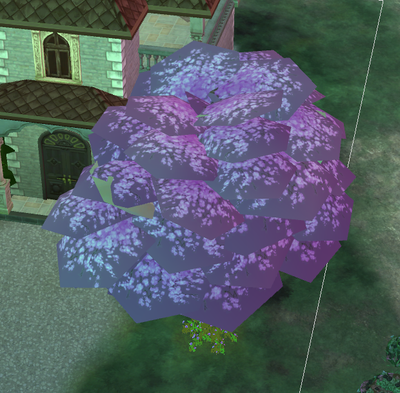
Also, I don't know why but even after repairing, it's fine for maybe like an hour but then the texture suddenly bugs (even without loading screens, I was in the middle of a build).
- crinrict1 year agoHero+@chanring2 Try a clean reinstall of your graphics drivers.
Follow instructions here: https://crinrict.com/blog/2019/02/clean-re-install-of-graphics-drivers-with-display-driver-uninstaller-ddu.html