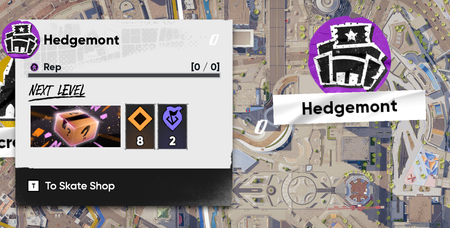
Neighbourhood Progress reset & stuck at 0 / 0
 EA QV Team
We have a possible workaround for this issue:
Fiendir ySergix UNIVERSAL_VLAD CaptainAwwsum mnno11913s2i Could you confirm if this sorts it out for you? Thanks!
That fixed it, thanks
I am having the same issue and this doesn't fix it for me
The first time it happened it eventually fixed itself I guess. But I just updated the game and it did it again. I tried the above and it still isn't working.
Correction: Deleting the folder made it work. Renaming the folder did not.
Correction: Deleting the folder made it work. Renaming the folder did not.
What do you mean Rename the folder? What do we rename it too? Does it matter? OR will it mess up their screenshots anyways? I did this before and I lost ALL OF MY VIDOES so be careful

 Community Manager
Hey boneyardx0, you can make a backup of the folder so you don't lose any of your recorded content.
The name you choose when renaming does not matter, as long as it's not the same as the original folder's name.
I renamed the folder before seeing this message and all my stuff was deleted :\

This fix does not work, issue is still persistent.
5 months later bug is still persisting additionally deleting the local file now seems to only work once after zones are permently stuck at 0 / 0. bug is stoping progression of steam achivments so further investigation would be apreciated!