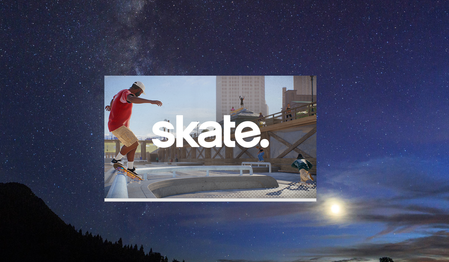
Skate. won't open past the splash loading screen

So for mine you can try it idk if it will work for you but i went to my program files c:\program files\EA\AC\EAAntiCheatService.exe or where ever your file is thats just names "EA" then click it click the AC folder then double click the EAAntiCheat.installer.exe and once that opens click repair then click select folder to select where the game is and slect the folder without opening then it should start repairing it itll start loading text youll know when you see it and then try launching the game give it like 2-5 minutes if it dont open right away and if it dont try restarting and opening it. that is what fixed mine and i have the same issue that you where having i have mine downloaded through epic games launcher thta is what i launch mine through also

didn't change anything for me. the Loading... screen seems to be trying to connect to servers. they probably can't handle the demand at this point