Forum Discussion

EA_QueenBee Community Manager
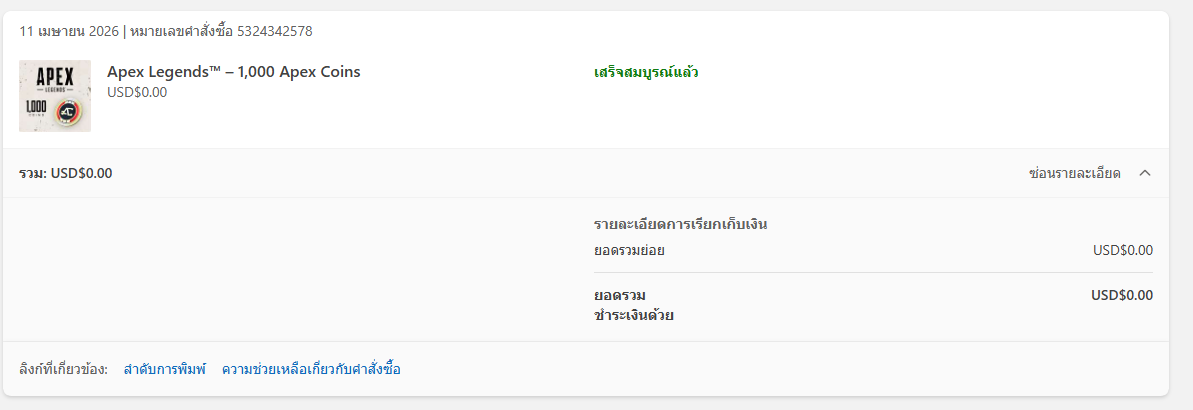
1 month agoCommunity ManagerRight, but if you redeemed the coins on your XBox you'll need to start the game there to see if they come through. Often players playing on Steam redeeming coins on the EA app will need to start the game from there too so it properly updates the wallet.

zooaunzoo1
26 days agoSeasoned Novice
EA_QueenBee Hello, I’ve been waiting for a resolution for a very long time. It’s been 13 days already and I still haven’t received my money. I want my money back.
- EA_QueenBee26 days ago
Hey zooaunzoo1,
If you want a refund, you'll need to reach out to the retailer where you bought your code.
As for not owning an Xbox, do you have a friend who does that can let you log in with your details to start up Apex to see if that makes them appear? You can always try reaching out to our live support team, but I fear that they'll tell you to start the game via an Xbox as well.
- zooaunzoo125 days agoSeasoned Novice
They won’t give me a refund because it’s already past the allowed refund period. Could you please provide me with another solution? I’ve been waiting for a very long time already.
Also, how am I supposed to start the game on Xbox when I don’t own one, and none of my friends have an Xbox either?
 Midnight974625 days agoHero+
zooaunzoo1 The only solution is to log into your account through an Xbox because when you make purchases or redeem codes on other platforms, it isn't shared with EA, so your EA Account has no idea that there was anything redeemed on Xbox.
Once you log in on an Xbox, then your Xbox Account will activate the Apex Coins that you had redeemed, at which point it would then be made aware to Apex that you now have Apex Coins.
Note: I've had a similar issue where a friend had gifted me Apex Coins and a few Legend Editions, (when those were still around), through Steam, but I use the EA App and was forced to download Apex on Steam just to redeem those items.
Featured Places