Forum Discussion


5 years ago
While I'm at it, the standard means for reporting a player included below.
Apex Legends - PC and console
- While in a match, bring up the in-game menu (Tab on PC, Options on PS4, Menu on Xbox One).
- Open the Squad tab.

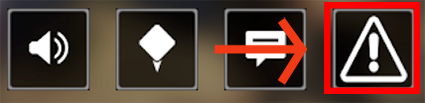
- Select the warning symbol (“!” inside a triangle) under the player you want to report.
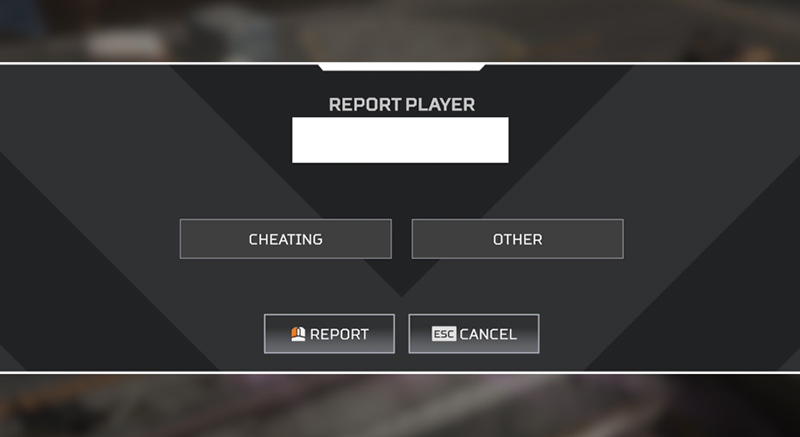
- Choose if you'd like to report the player for cheating, or for another reason.
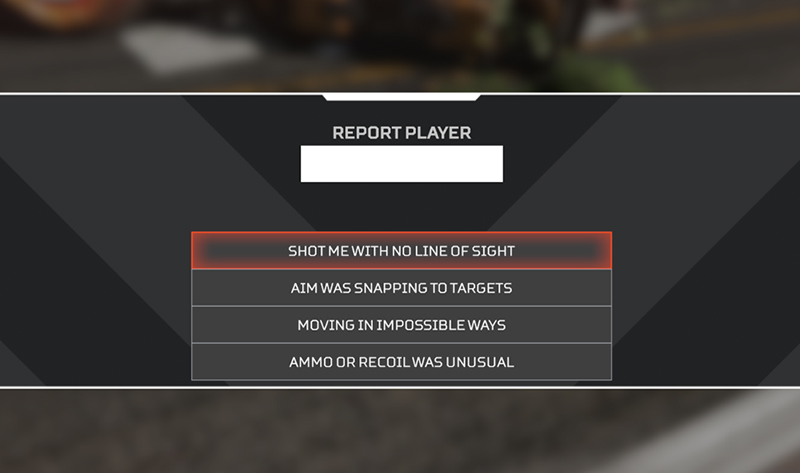
- Choose the reason:
- Shot me with no line of sight
- Aim was snapping to targets
- Moving in impossible ways
- Ammo or recoil was unusual
- Click Submit.
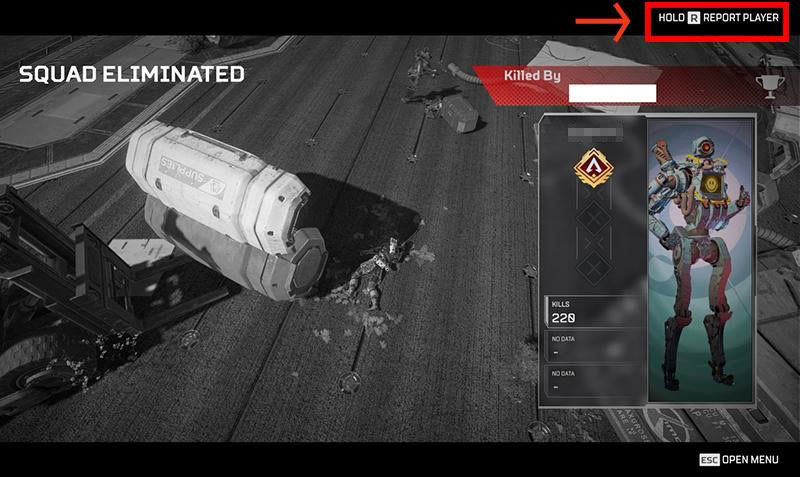
You can also report a player while spectating them after you have fallen in a match.
PC players can report players by reaching out to Kamu (a service we partner with to help curb cheating) directly via their website
Notice: Naming and shaming on AHQ is a breach of forum ToS, please use the above methods for reporting players.

5 years ago
I've submitted many reports on the easy.ac site with direct links to uploaded Youtube clips.
Guess what? Those clips have 0 views. WTF?
If the devs aren't even watching edited, short clips of blatant aimbotters, you can be DAMN sure they are doing LITERALLY nothing with in-game reports.
Featured Places

Apex Legends General Discussion
Discuss the latest news and game information around Apex Legends in the community forums.Latest Activity: 2 days agoCommunity Highlights
- EA_Mako1 month ago
Community Manager