Forum Discussion


KeepingltHalal
7 years agoNot applicable
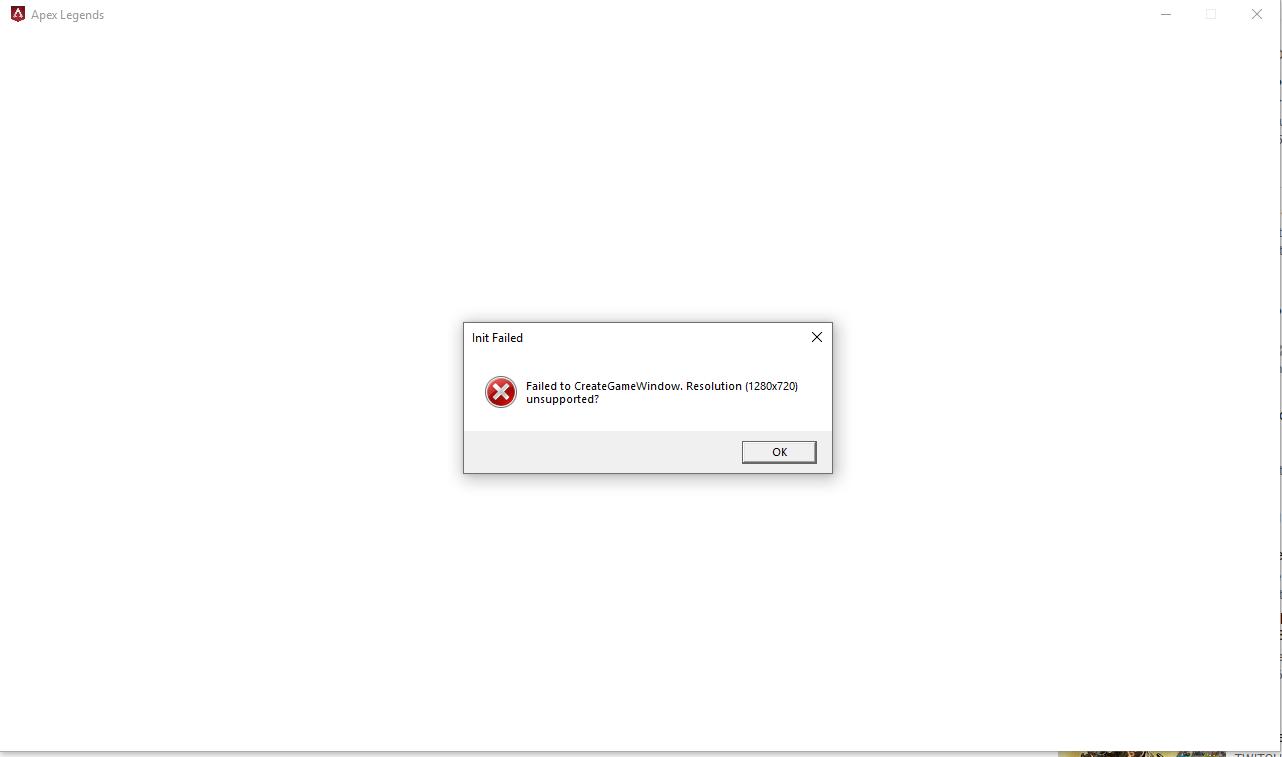
SOLVED:
In addition to what I tried earlier. I also tried this.
What you need to do is find the two lines; (C:\Users\"username"\Documents\Respawn\Apex\local)
"setting.fullscreen" "1"
"setting.nowindowborder" "0"
This is telling the game to launch in fullscreen mode, all you need to do is change them to;
"setting.fullscreen" "0"
"setting.nowindowborder" "1"

VAXRedmon
6 years agoNot applicable
This worked perfectly along with changing the default setting for the resolution to my max settings for the monitor. Thanks!!
Featured Places