Forum Discussion

36 Replies
The original question was for Xbox One.
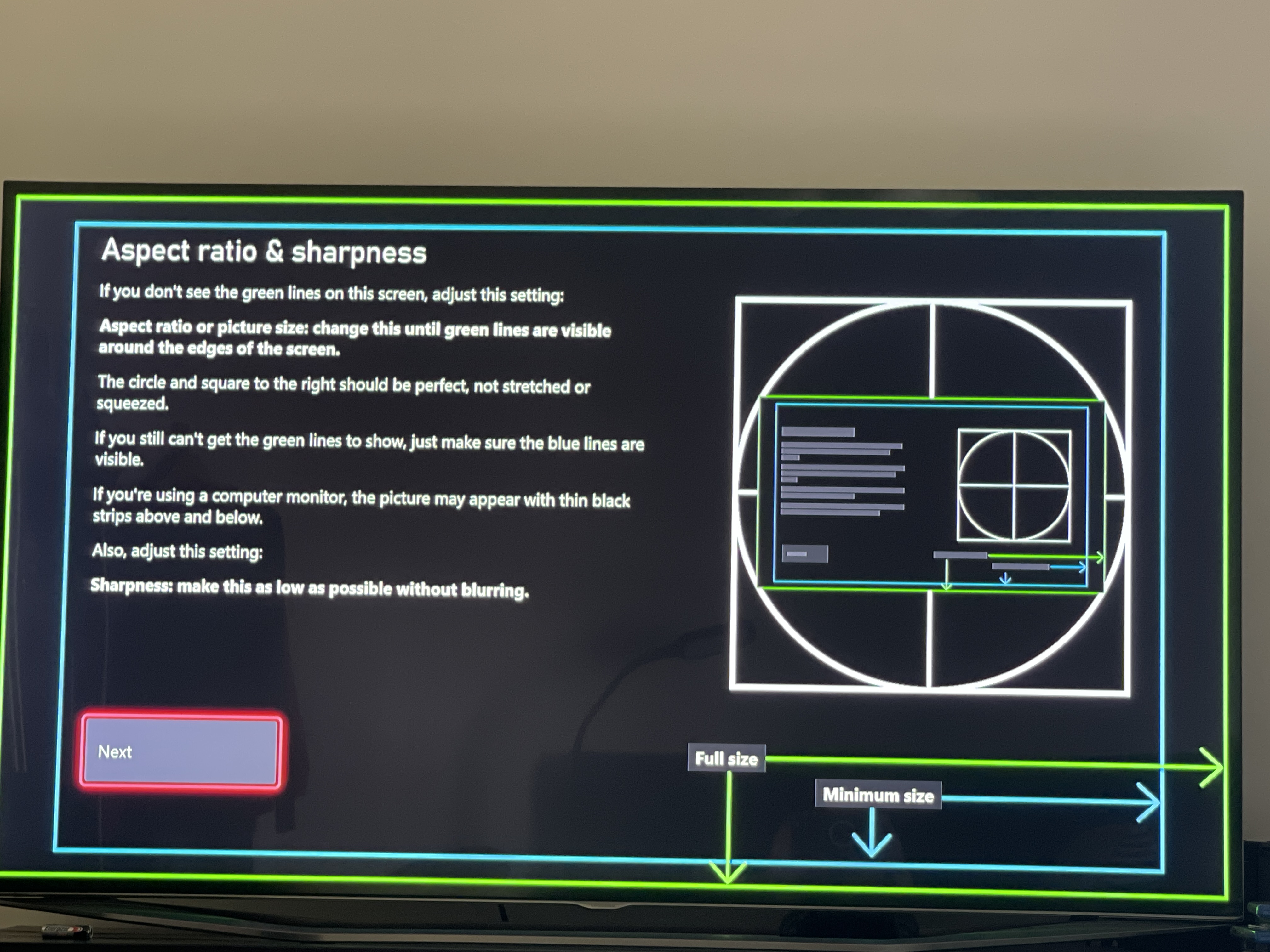
I had the same problem. I have a XBX and Samsung TV. On the Xbox go to Settings>General>TV and Display Options>Calibrate TV. Cycle to the third screen that says Aspect ratio and sharpness and has a blue rectangle and a green rectangle [image]. Now adjust the aspect ratio on your TV so the green rectangle is visible. Problem solved.
I have the same problem and nothing is working, TV settings or Ps4 Pro settings.
- @xICExGIRLx The way I fixed this was to change my TV display setting from 16:9 to Screen Fit. I could not fix it in game settings or PS4 settings.
- @Rocktopolis Samsung tv, btw
Had the same 'out of screen' problem on ps4. Thought it was the menu only but it's also in game I noticed when I fixed it. Fixed it by changing TV settings, not ps4 settings. I am on a Panasonic TV and set '1080p pure direct' to on. It reproduces the original quality for 1080p (HD I) input signal. Now I enjoy the full game real estate.


Featured Places