Hello ShowtimeIsHere,
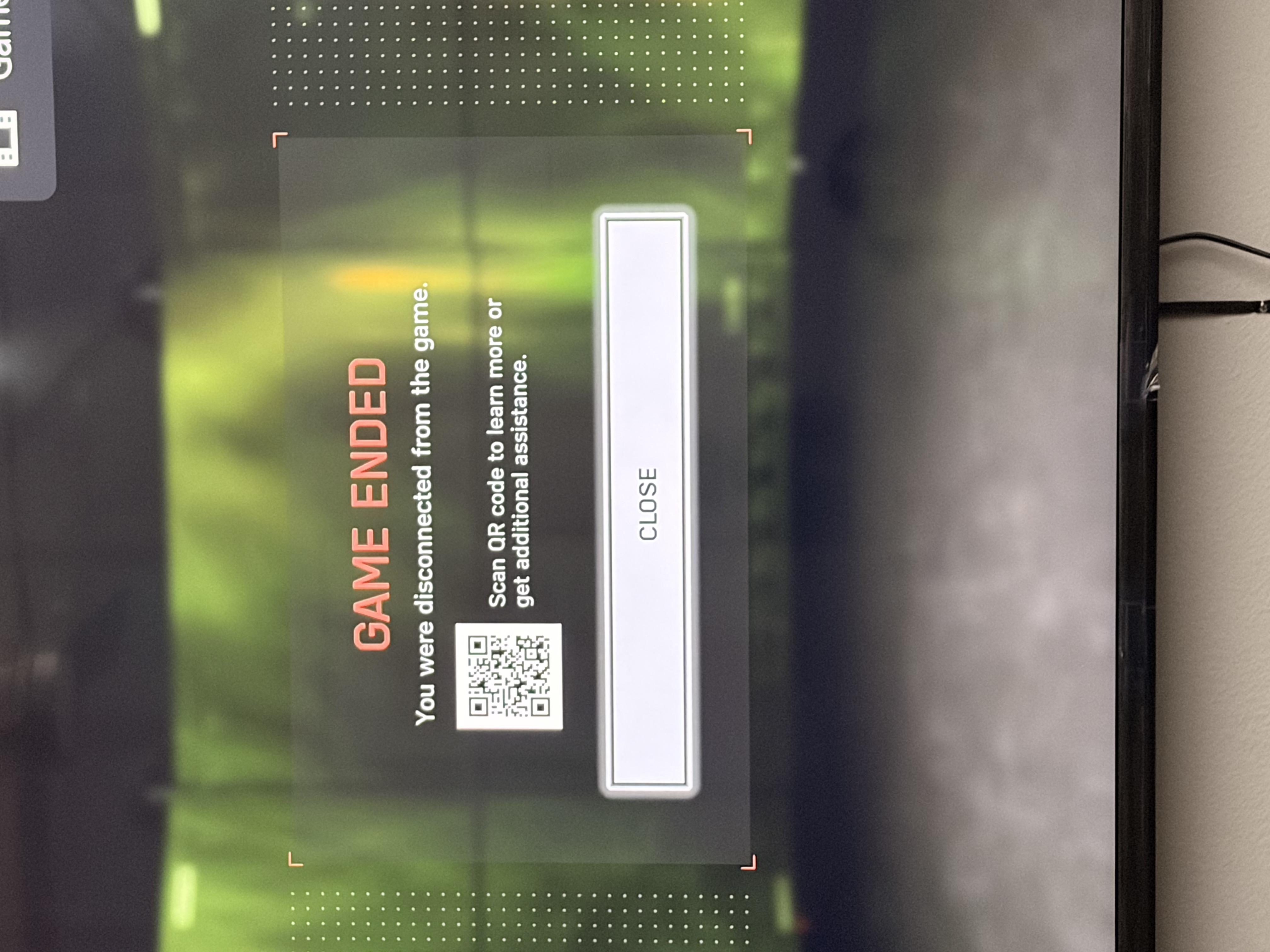
EA games often use Global Server Load Balancing (GSLB). If a player’s local DNS (usually their ISP’s default) is slow or cannot resolve EA’s specific 'heartbeat' domains, the game client assumes that the connection has failed and displays a 'Connection Failed' error.
The Conflict: Third-party firewalls or 'secure' DNS settings (such as DNS-over-HTTPS) can sometimes block the specific subdomains that EA uses for anti-cheat verification or telemetry, which can result in a player being kicked out of a match.
NOTE: I use 'secure' DNS settings on a free 'Portmaster' firewall. I had changed the setting two times.
Here is the 'quick fix' recommendation to identify the cause of the issue. If you're playing cross-platform, please use this as a general guide only.
Step 1: Switch to Google DNS.
Primary: 8.8.8.8, Secondary: 8.8.4.4
Reason: It is often faster and more reliable than the DNS provided by the ISP for resolving EA’s server clusters.
Step 2: The firewall 'handshake'.
Add an 'Outbound Rule' for bf6.exe in your firewall settings or temporarily disable third-party security suites (Bitdefender, COMODO Internet Security, ESET, Kaspersky, ZoneAlarm, Intego NetBarrier, etc.).
Reason: Even if the game is 'allowed', some firewalls can still aggressively throttle the specific ports used for EA's 'Heartbeat' (the constant signal that tells the server you're still there).
Step 3: Flush the cache.
Make sure you run 'ipconfig /flushdns' in Windows Command Prompt after making these changes, otherwise the computer will try to use the old, broken 'map'.
If you are still getting kicked, the issue may be more serious, such as packet loss at a specific network node between your house and the server, but these steps usually solve about 80% of 'it's only this game' issues.
Some BF6 Season 2 players have found that Windows 11's 'Force randomisation for images (Mandatory ASLR)' setting actually interferes with the Battlefield 6 executable.
Good luck with the troubleshooting!