"Connection Failed" With Error Code 1:86001S:51002S:57019S
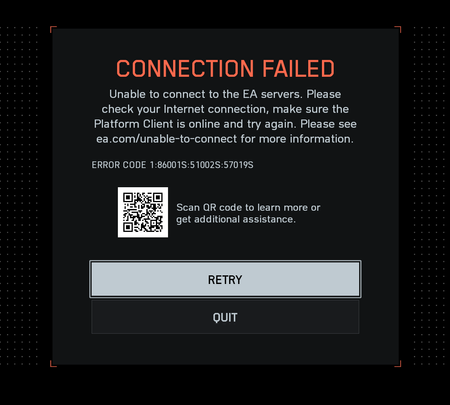


✅ SOLUTION — Connection Error (1:86001S:66003S:4688822970:0B)
After testing everything possible, I finally managed to fix the issue.
Here’s what I had tried before (none of these worked):
- Cleared EA App cache
- Reinstalled EA AntiCheat
- Reset DNS and tested different DNS providers
- Checked Secure Boot and TPM 2.0 (both enabled)
- Updated GPU and system drivers
- Tried two different internet connections
- Disabled Windows Firewall
- Verified Steam ↔ EA account linkage
The game still failed to connect with the same error code every time.
🔧 What actually fixed it:
- Unplugged all USB devices (pendrives, external drives, wired controllers, etc.)
- Restarted the PC
- Launched Battlefield 6 from Steam
- Steam opened its built-in browser asking for EA account access
- After authorizing it, the game logged in and connected normally!
EA App didn’t even need to be opened manually — it runs automatically in the background, and EA Play isn’t required when launching from Steam.
After this, the game finally connected, compiled shaders, and went straight to the menu. Everything works perfectly now!
doesnt work for me
Don't work for me. Even did it twice to be sure. Thanks Though.
it's different kind of error. We have issue with error Code 1:86001S:51002S:57019S, not 1:86001S:66003S:4688822970:0B
i get both the 0B and the 19S, not sure what the cause for either is
This was perhaps "your" solution, but that is not the solution for many others. For example I have no USB devices connected. Also the problem is for many players not that they can't connect...the problem is most of the time that they can connect and lost their connection after seconds/minutes.