Solo TeamBuilder Online Dynasty becomes inaccessible
Platform: Xbox
Mode: Online Dynasty — Solo / 1 user
Team: TeamBuilder team (Erie State Vikings)
Season: Year 2
Point in season: Bowl Season week 2
My Online TeamBuilder Dynasty has become inaccessible after completing my Year 2 bowl game and advancing from Bowl Season Week 1 to Bowl Season Week 2.
The dynasty had worked normally through two full seasons. I won the MAC Championship, won my bowl game during Bowl Season Week 1, and then advanced the week.
After advancing to Bowl Season Week 2, the dynasty stopped functioning correctly.
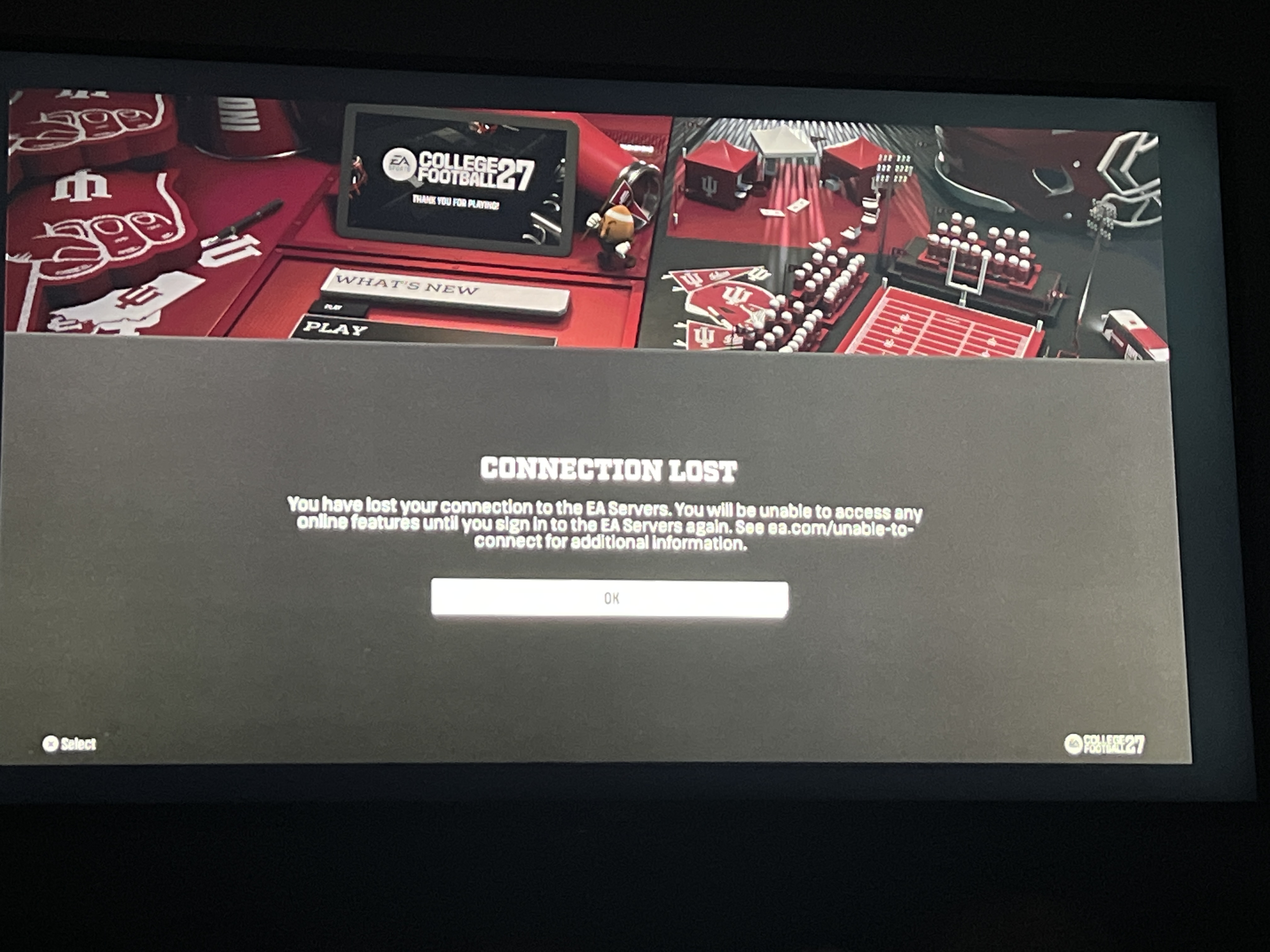
I can still select and load the dynasty. Once I enter the Dynasty hub, it works for approximately 5 seconds before I am disconnected and receive the message that the EA servers are unavailable.
If I attempt to use Advance Week immediately after loading in, the same thing happens — the dynasty disconnects/crashes before it can advance.
Other online features are working, and the issue appears isolated to this specific Dynasty save. Because this is a TeamBuilder team, the Dynasty is necessarily an Online Dynasty even though I am the only user.
This appears to be a server-side Dynasty/save-state issue rather than a general connection problem. The save itself still appears in my Dynasty list and begins loading normally, but something in the Dynasty state after advancing to Bowl Season Week 2 causes the session to disconnect.
Please do not reset or delete the Dynasty if investigating it. I would like the existing Dynasty repaired/recovered if possible.
I have significant progress invested in this save and would appreciate if the Dynasty team could investigate the league/save state.
EA ID: e126d1cacc435fe6
Approximate date/time issue began: 10/4/26/ 10:32 am est
Error message: The EA servers are not available at this time. Please try again later. See ea.com/unable-to-connect for additional information. You have been returned to the main menu.
I can also provide video showing the Dynasty loading successfully, remaining accessible for several seconds, and then disconnecting.
Hey,
This issue should now be resolved. If you run into more issues around this one, let us know.
Thanks!