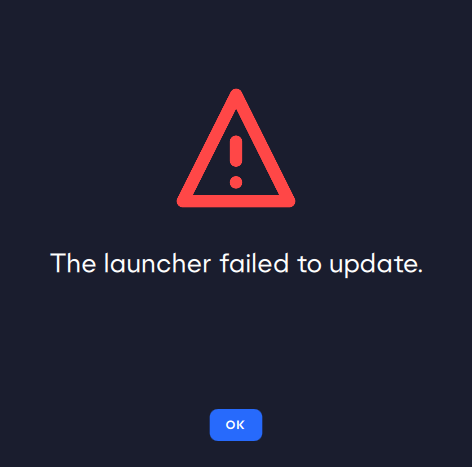
Client won't update.
Product: EA Desktop
Platform:PC
Error Report ID (learn how to create an Error Report ID in the sticky post) no crash error
Which client functionality are you experiencing this bug with? Other (Please Describe)
Please describe The client never updates on my system.
When did this happen? (dd.mm.yy hh:mm) Every update
Summarize your bug It's getting really annoying, but every time an update is pushed for EA Desktop, I have to uninstall and re-install it, because it insists I restart it. I click the button to do so and apply the update. The update application progress dialogue flashes briefly, then nothing happens. No matter how long I wait, when I next start it up, it tells me I need to restart it to apply the update.
How often does the bug occur? Every time (100%)
Steps: How can we find the bug ourselves? No idea. You aren't on my system. It's an ASUS Rog Strix GL702ZC laptop with 16gig of RAM
What happens when the bug occurs? Nothing, and that's the problem. It won't ever update itself.
What do you expect to see? I expect it update when it says it needs to update. I also do NOT expect that I have to manually uninstall and reinstall it every time it pushes an update.
Nothing more to add. Everything I can provide is already in the report.
Hi @ElmiraFudd,
Apologies for the late reply, could you clear the cache of EA Desktop by click on the Windows logo in the bottom left, go to EA > App Recovery and click on Clear Cache.
Then uninstall EA Desktop and run the installer file as an admin.