Hi there! I'm sorry to hear about that.
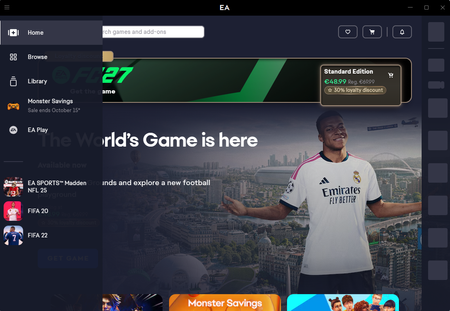
This is actually a local connection and display bug rather than an EA server outage. It happens when the app gets blocked by local security settings or has a few corrupted files, which stops it from downloading the images and connecting properly.
Since clearing the basic cache didn't quite do the trick, let's try these three quick steps:
- Go to your computer's files and navigate to C:\Program Files\Electronic Arts\EA Desktop\EA Desktop\. Double-click EAUpdater.exe to force the app to repair its installation and download a fresh layout.
- Press the Windows Key + R on your keyboard, type %localappdata% into the box, and hit Enter. Find the Electronic Arts folder and delete the EA Desktop folder inside.
- Make sure your antivirus or Windows Firewall isn't blocking the EA App.
Give those a go and let me know if it gets you back online!