Forum Discussion

3 years ago
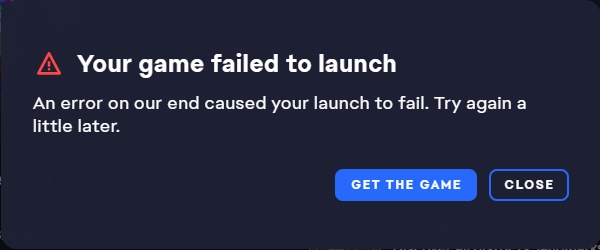
@Electricz0 I figured it out: download Origin app
(link to download it: https://answers.ea.com/t5/General-Discussion/Official-Origin-Download-Link/m-p/12085507#M3369 )
Unintall the game and re-download it using Origin. Make sure that EA App doesn't run in the background.
After installing the game, I could play it just fine.
(link to download it: https://answers.ea.com/t5/General-Discussion/Official-Origin-Download-Link/m-p/12085507#M3369 )
Unintall the game and re-download it using Origin. Make sure that EA App doesn't run in the background.
After installing the game, I could play it just fine.
 Electricz03 years agoSeasoned Rookie
I've tried this before, but when I download and run Origin, it immediately prompts me to download the EA App and prevents me from using Origin for anything else. I absolutely cannot move past that prompt to use Origin. There is no "cancel", "skip", or "dismiss" button and I can't click on any other menus or buttons.
 3 years ago
Same for me. It is not possible to use the old Origin client.
@GloryRabbit How do you start the game with the old Origin client ? The ad screen for EA app prevent all actions...
- 3 years ago@StephZarx I didn't had ad screen.
While installing I didn't use this setting which is automatically ticked in: "Keep Origin and my games up to date."
Apart from that it was a smooth sailing for me.
Featured Places