Solved
Forum Discussion

138 Replies
- @Bluebellflora Yes, those three are from Epic. They were claimed during that event for free. I bought Spooky Stuff on Steam, do I have to pay for it again to play it on Mac? And all DLC The Sims 3? All extensions could be added to Origin and also worked on Mac.
Yes, I'm logged in to the same account I've been using on Origin. - @11123006
Any DLC played through EA Play, Steam, or Epic is not available on Mac. In your second screenshot the Steam logo is next to Spooky Stuff. Is the other DLC from EA Play or Epic?
Are you signed into the same EA account on EA App as you were using for Origin on your Mac? After updating Origin to the EA app, I'm having trouble launching The Sims. Log in to the EA App and I want play The Sims. The Sims 4 is available, but in manage add-ons I have several add-ons available only for Windows, while in Origin I normally played them on a MacBook Air. When I start the game, an error message pops up: Failed to launch games.
I have the similar problem with the game The Sims 3, which is available only for Windows in the EA app, but I had it installed in Origin.
 EA_Leeuw2 years ago
Community Manager
Additionally, @sadaque123, could you also please generate & share (in this thread) an EA app Error Reporter ID?
👉Generating an EA app Error Reporter ID on the EA app for Mac👈
Also, please include the EA app for Mac logs, if possible.
- EA_Leeuw2 years ago@sadaque123, could you perhaps share a screenshot of the message that you're seeing telling you that these DLCs are not available on Mac?
 sadaque1232 years agoNew Rookie
It says that they are only available on Windows but I added them to my library when they were available and they worked fine when I used Origin on Mac...
- sadaque1232 years agoNew Rookie
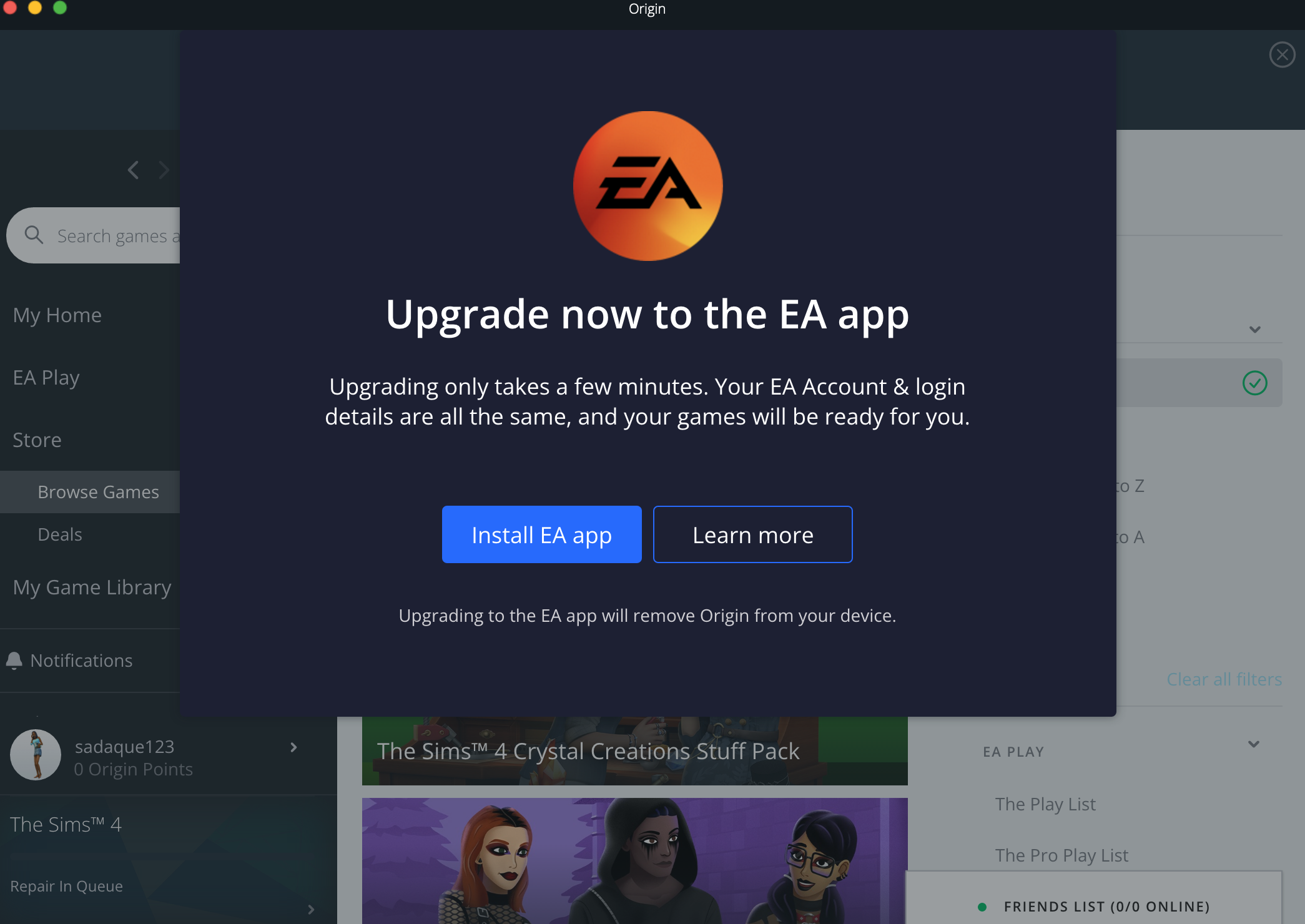
As far as I could see it was Jungle Adventure and Fashion Street Kit and some more kits. Is there any possible way for Mac users to continue to use Origin? Just for the time being without being blocked by the pop up screen. How do I turn it off? Beyond that pop up Origin seemed to work fine and the packs were all repaired and able to work.
- EA_Leeuw2 years agoHi @sadaque123,
Thanks for the post.
May I ask which packs went missing for you when you migrated over to the EA app?

Featured Places