Solved
Forum Discussion


146 Replies
 TIbasic2 months agoNewcomer
Hello, I am a French-speaking player and I need help with a licensing issue on the EA App for Mac.
My setup: MacBook M4, macOS Sequoia.
The issue: I have my Steam account linked to my EA account.
I successfully installed The Sims 4 Base Game on my Mac. However, all my expansions and packs purchased on Steam are marked as "Only available on Windows" in the EA App. There is no download button for them.
What I have already done: Linked my Steam account (and Apple account as well). Successfully downloaded the "Holiday Celebration" free pack on Mac. Cleared the EA App cache (App Recovery). Restarted the app and my Mac multiple times. Opened a support case #234945156. It seems to be a sync issue between Steam and the Mac version of the EA App. Could a someone help me please ?
 WinterSnowmint1 month agoNewcomer
My Sims 4 DLC (Jungle Adventure, Fashion Street Kit, Luxury Party Stuff) are incorrectly flagged as Windows-only in EA App on macOS Sonoma. All the other DLC is able to download except for these. I had previously moved the game to an external ssd and I have already deleted the game and the ea app and redownloaded everything but it is still saying the same thing.
- Zardanthefox1 month agoRising Newcomer
I recently got a Mac as a new computer and have redownloaded the sims but all of my packs have shown up like this and in game they don't show up other than saying that I own them but I have to download them to use ( but I can't do that) if anyone can help it would be appreciated as Im not spending more money on packs Ive already bought, if its relevant information I think I may have bought most of them/ if not all through steam or epic (jungle adventure free give away thing)
- emmagracemustdie7 days agoNewcomer
Recently switched from Windows playing The Sims via steam to Mac. When I download and log into the EA app, it does not give an option to download The Sims 4 for macOS, only shows unavailable content (The Sims4 for windows).
Unfortunately, if you bought Sims 4 packs through Steam, that version is Windows only. Anything you purchased through the EA App can be Windows or Mac, but not through Steam.
If you already bought a lot of packs, you may want to look into using Bootcamp to install Windows on your Mac, if you don’t have a Windows machine available anymore. Otherwise you’d need to repurchase through the EA App.
If you’re just trying to install the base game, try disconnecting Steam from your EA account to make it available again in the EA app.
- potionspell9 hours agoNewcomer
Hi everyone,
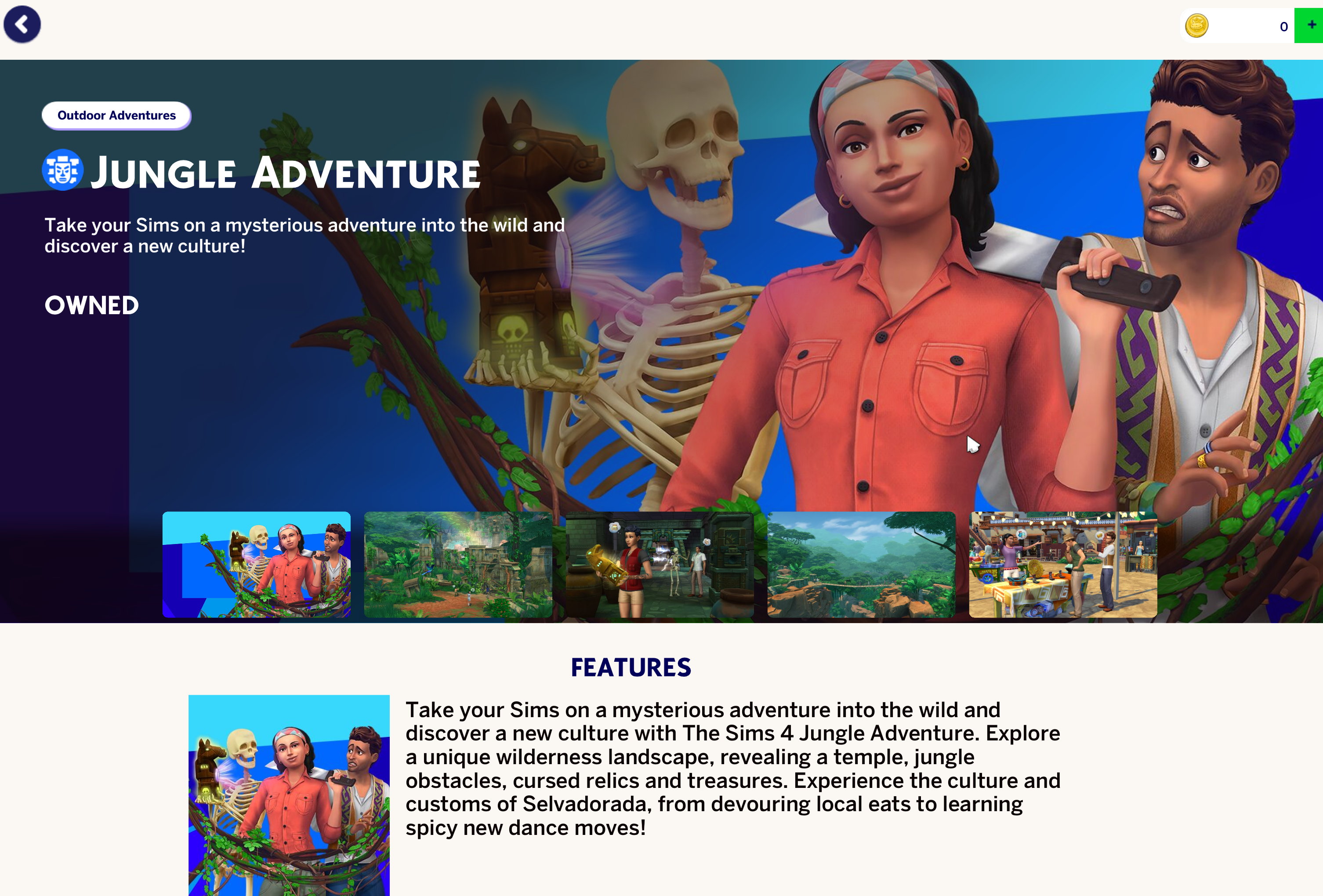
I’m having an issue with two Sims 4 packs, Jungle Adventure and Luxury Party Stuff.
I will also include screenshots of what it shows as well.
Both packs show as owned in the game under my collection tab, but I can’t install them through the EA app or the in-game installer. They don’t show up as available to download, even though they are in my library.
Here’s what I’ve tried so far:
- Uninstalled and reinstalled The Sims 4
- Restarted the EA app
- Used the EA app recovery option
- And talk to an EA app representative about the issue, and they claim that it seems to be a bug and will report it to the bug team.
The problem is still there, and the packs won’t install.
Has anyone else had this issue or found a fix?
Thanks in advance.

Featured Places