Forum Discussion
2 Replies
 Cpayne321 year agoHero+
I would try following the below if you haven’t already
Power cycle your Xbox:Press and hold the Xbox button on the console for 10 seconds to fully shut it down. Unplug the power cable for 10 seconds. Plug it back in and turn the Xbox back on
Check for updates
Go to your Xbox settings and ensure your console and games are updated to the latest versions.
Clear the Xbox Cache
Access your storage settings on the Xbox. Select a storage device and press "Y" to clear the cache.
Try a different network connection
If you're on Wi-Fi, try switching to a wired connection to see if network stability is the issue.
Restart your router
Sometimes a simple restart of your router can fix network connectivity problems.
 JDicko441 year agoSeasoned Novice
Hello
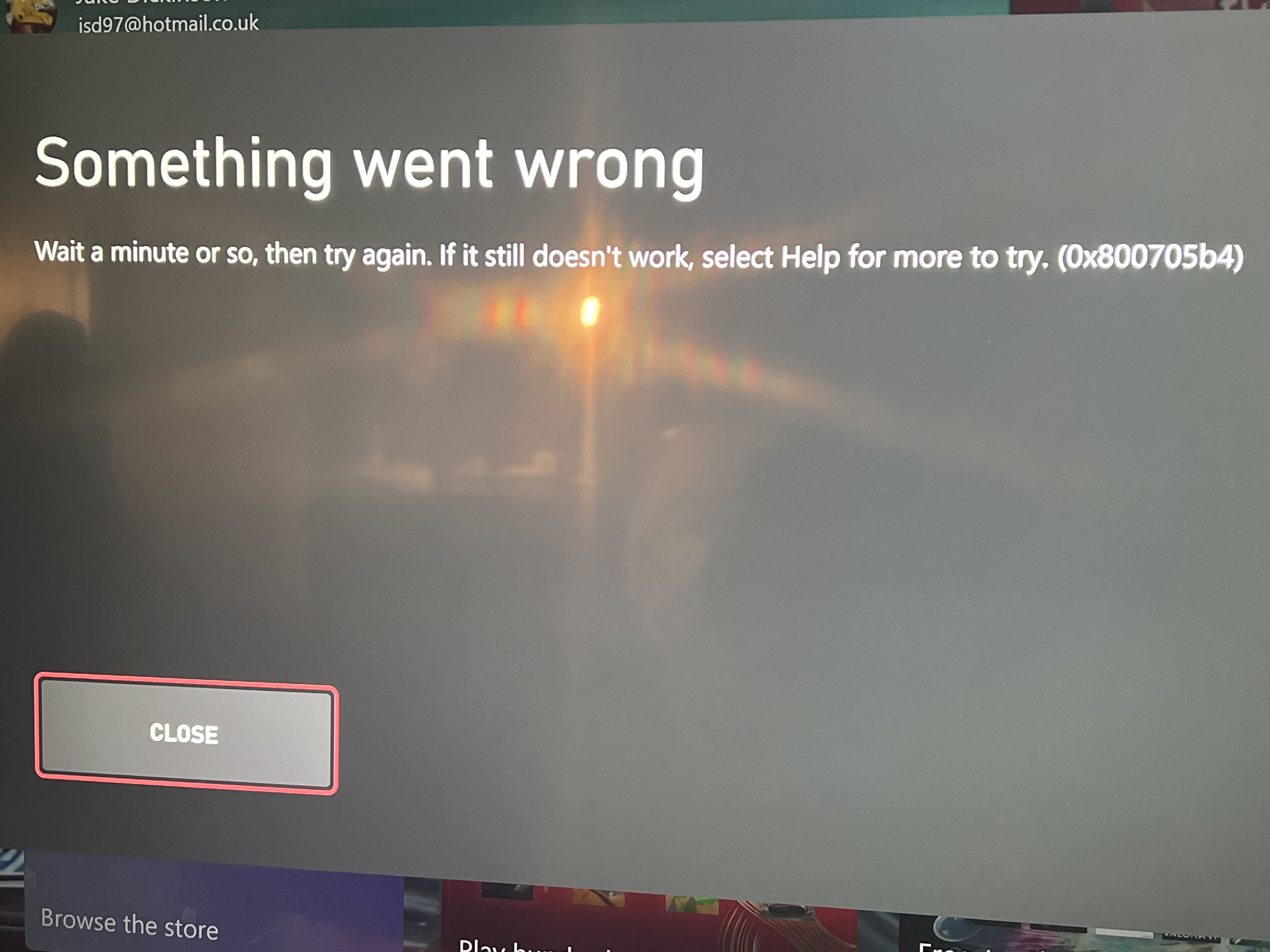
Thanks for the suggestions, But none of these worked I’ve even unistalled the game and installed it back and still get the same error message
Featured Places

F1® 24 Technical Issues
Having issues with a crash, freeze or error? Join the F1® 24 community to discuss troubleshooting.Latest Activity: 3 days agoCommunity Highlights
- EA_cuervo1 year ago
Community Manager
- CM_TGK1 year ago
EA Staff (Retired)
- EA_Vendcera2 years ago
- EA_Vendcera2 years ago
- EA_Groguet2 years ago