Forum Discussion


RadioShaqs
1 year agoHero
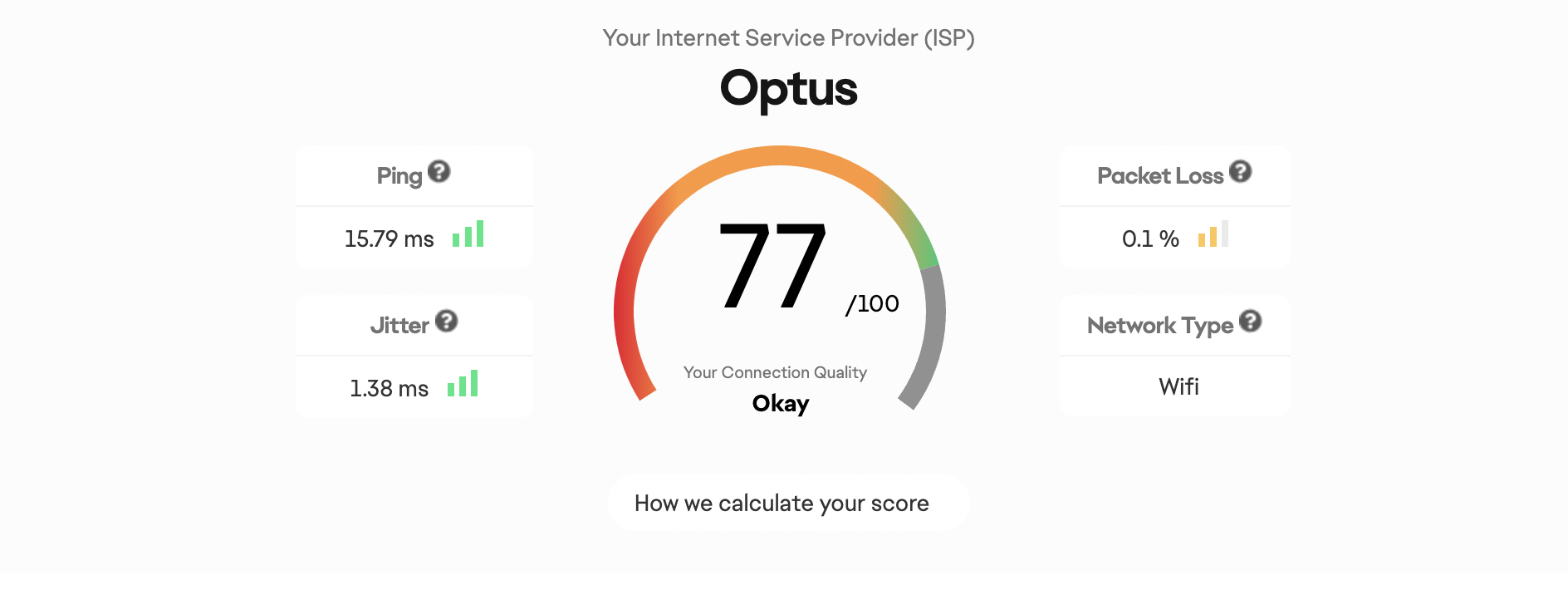
Run the connection score and match history here and see how the different games look. Also play the game with the input overlay on. If the two controllers are in sync then you have little to no delay. If they are out of sync then you have delay.

1 year ago
Hi, Thanks for replying.
I did the connection score and match history thing. I've attached the results. And I did play games with the input overlay in UT match and there was a huge delay in what I was doing and the overlay. What should I do.
Sincerely, Alex.
- RadioShaqs1 year agoHero
You can try the connection faq ea has made here see if any of it works. You can also show your isp the tests and see if they can help you by fixing it. If enough report it then it could also be a server issue.
- 1 year ago@RadioShaqs Hey, I tried playing a Kick off game just to check and the same issue is happening. So I'm really confused on what to do.
- 1 year ago
@Just__Alex101 It's just the game itself. I experience that as well. There is no "fix", believe me I've tried everything. It just sorts itself out after a while, can take a day, a week, months... Sometimes it sorts itself after a patch, sometimes it gets worse, but it has nothing to do with your connection. I know this because when it is thay way I feel it even when Im at the "training mode" and kickoff. Im just speculating but I think there might be an input delay bug in the code. Anyways, what I'm trying to say is don't waste too much time trying to fix it, if it's unplayable for you at it's current state just switch it off and come at a later date and hope it's sorted itself out.
Featured Places