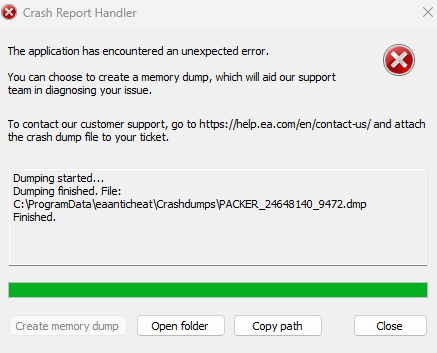
Re: FIX THIS ERROR ASAP! "eaanticheat\Crashdumps\PACKER_1658515_20932.dmp"
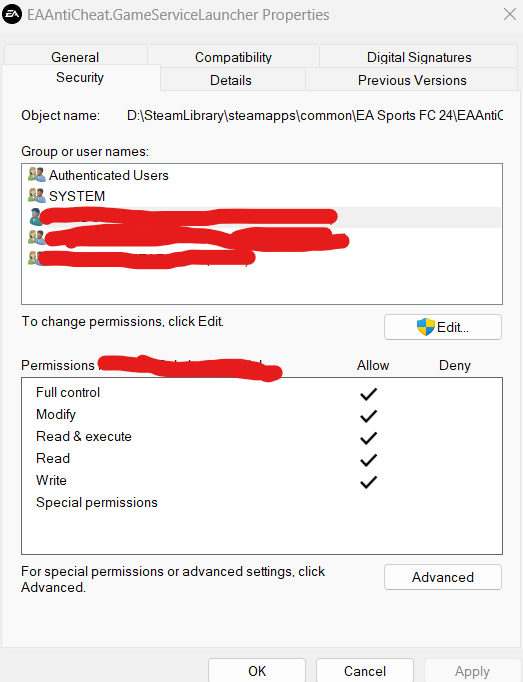
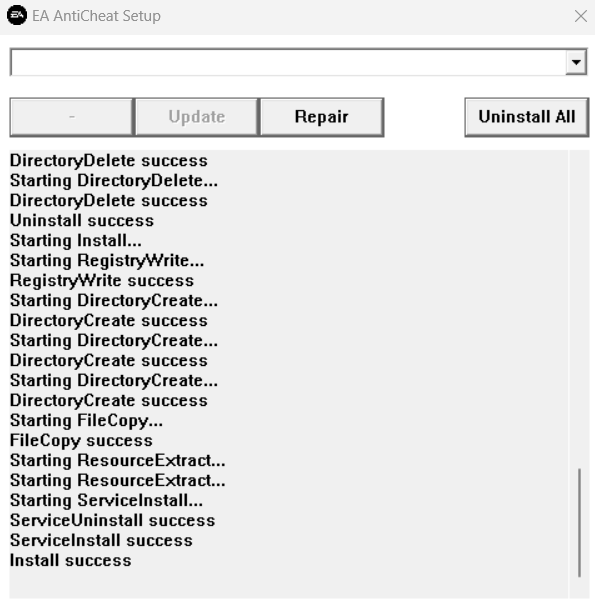
I have the same error. I've tried (1 ) Reinstalling EAAntiCheat, (2 ) Enabling Secure Boot, (3 ) Installing Digital Signature for the Game Service Launcher, (4) Re-Installing the EA app (5) Re-installing FC24, (5) Reverting back Windows updates from early February. Unfortunately, reverting back to Windows 10 is not a solution for me; I need Windows 11 for other software I use. From the Crash Dump file, it seems like the EAAntiCheat_GameServiceLauncher is having issues at startup associated with trying to execute a file, but it's receiving an access violation error. This could be due to either the memory address not existing or the AntiCheat not having executable rights at the mentioned address. I've tried disabling firewall protections that could be impeding this (such as App & Browser Control under Windows Security Settings), but with no success.
EXCEPTION_RECORD:  (.exr -1)ExceptionAddress: 00000188f9c75020
   ExceptionCode: c0000005 (Access violation)
  ExceptionFlags: 00000000
NumberParameters: 2
   Parameter[0]: 0000000000000008
   Parameter[1]: 00000188f9c75020
Attempt to execute non-executable address 00000188f9c75020

PROCESS_NAME:  EAAntiCheat.GameServiceLauncher.exe

EXECUTE_ADDRESS: 188f9c75020
ERROR_CODE: (NTSTATUS) 0xc0000005 - The instruction at 0x%p referenced memory at 0x%p. The memory could not be %s.

EXCEPTION_CODE_STR:  c0000005

EXCEPTION_PARAMETER1:  0000000000000008

EXCEPTION_PARAMETER2:  00000188f9c75020

IP_ON_HEAP:  00000188f9c75020
The fault address in not in any loaded module, please check your build's rebase
log at <releasedir>\bin\build_logs\timebuild\ntrebase.log for module which may
contain the address if it were loaded.
The Windows version I'm using is Windows 11 23H2 Build 22631.