Forum Discussion

aishik123's avatar
aishik123
Seasoned Newcomer
3 days ago
Solved

Frequent Ultimate Team Disconnections & Login Issues.

I am facing continuous issues while trying to play EA FC 26, and it has become extremely frustrating.

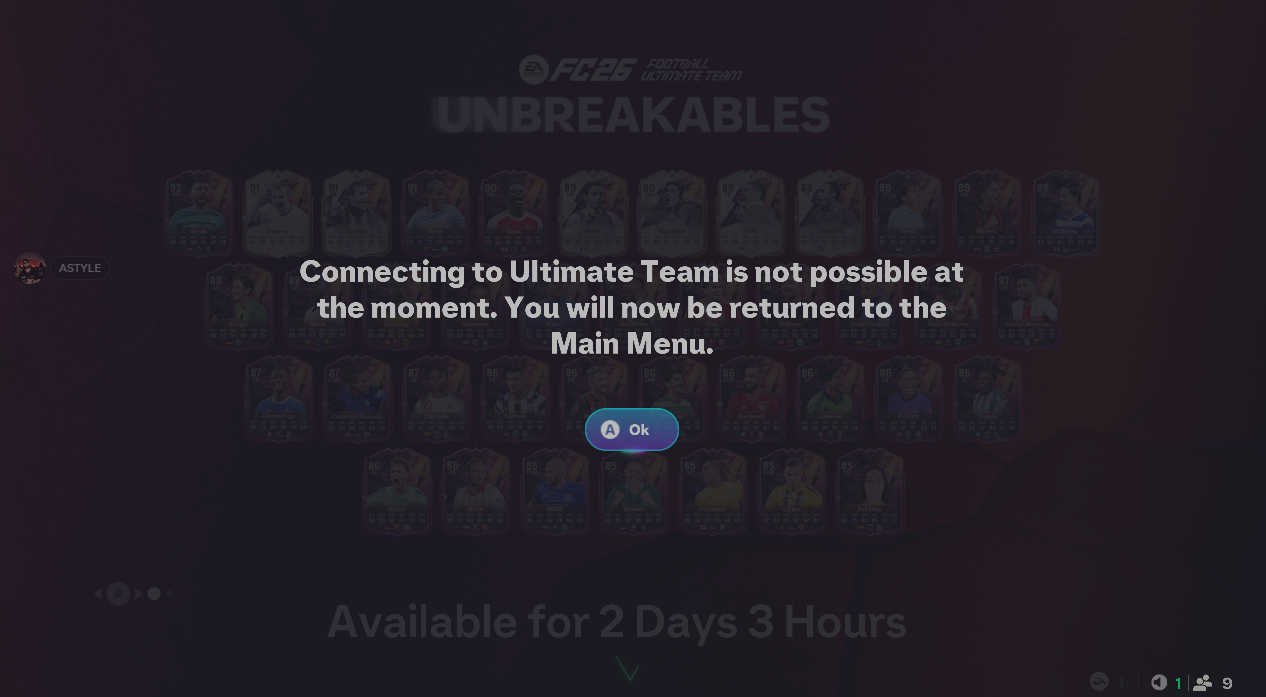
Whenever I attempt to log in to my account, I face multiple difficulties. The game takes a very long time to load, and the connection to Ultimate Team disconnects frequently. Most of the time, I need 3–4 attempts just to enter a single objective, and even after that, it often disconnects again from Ultimate Team.

Because of these constant disconnections, I am unable to play the game properly even once. I have paid a significant amount of money for this game, but currently, it is unplayable for me.

5 Replies

  • aishik123's avatar
    aishik123
    Seasoned Newcomer
    3 days ago


    Hello EA_Darko​ ,

    Thank you for your response. I understand that connection issues can sometimes be related to the user’s network.I would like to clarify that I have already tested the game on a different network, and the issue does not occur there. This strongly suggests that the problem is related to my current ISP’s network configuration, not my device or account.

    To resolve this properly, could you please advise what exact settings or requirements I should ask my ISP to check or change? For example:

    Required NAT type (Open / Moderate)

    Any ports that need to be opened or forwarded specifically for EA FC 26 / Ultimate Team

    Whether CGNAT, firewall rules, or ISP-level traffic filtering could cause these frequent disconnections

    Any recommended DNS or routing requirements from EA’s side

    If I can provide my ISP with clear technical details from EA, it will help them make the necessary changes so I can play EA FC 26 without constant disconnections.

    I appreciate your help and look forward to your guidance.

  • EA_Darko's avatar
    EA_Darko
    Icon for Community Manager rankCommunity Manager
    3 days ago

    Hey aishik123​ not really something that we would have help around for you. Best thing I can recommend is to speak with your ISP to highlight the issue and let them know that you don't have the issue with other networks.

    Darko

  • aishik123's avatar
    aishik123
    Seasoned Newcomer
    1 day ago

    EA_Darko​ 

    I have already consulted my ISP regarding this issue, but unfortunately they were unable to identify or resolve the problem. They even replaced my router, but the issue still persists.

    I paid a significant amount for this game and purchased early access, yet I have not been able to play at all, which is extremely frustrating. Since my ISP is unable to fix this from their side, I kindly request you to check with your technical team and let me know what specific settings or changes are required on my router or network.

    If the issue is related to CGNAT or any other network configuration, please provide clear details so I can inform my ISP accordingly and get it changed.

    I would really appreciate your help in resolving this as soon as possible.

  • EA_Darko's avatar
    EA_Darko
    Icon for Community Manager rankCommunity Manager
    1 day ago

    Outside of the steps in our help articles there is not really much more we can do aishik123​ as advanced troubleshooting of a connection generally needs you to be there in front of it.

    I'd recommend using a different connection to see if that helps or even testing on a VPN to see if it makes a difference.

    Darko