EA Javelin Anticheat Errors
Purchased EA Sports FC 26 a couple of months ago, installed on Gaming PC (Windows 10) and has been working without issue, however as of yesterday I am getting 'EA Javelin Anticheat Encountered Error....' on launch.
We have followed all troubleshooting articles/steps (as suggest by support below) on multiple occasions without success.
Support Advice
- Download the EA anticheat installer.
>If you’re on desktop, the link will automatically download the installer onto your browser.
2. Click the game you want to add EA anticheat to.
3. Click Install.
Any game that uses EA anticheat will try to install the tool when you install the game, if EA anticheat isn’t already enabled.
https://help.ea.com/en/help/pc/ea-anticheat/#error-codes
https://help.ea.com/en/articles/technical-issues/secure-boot/
https://help.ea.com/en/articles/platforms/pc-ea-anticheat/
Notes/Findings In Relation to Secure Boot Article
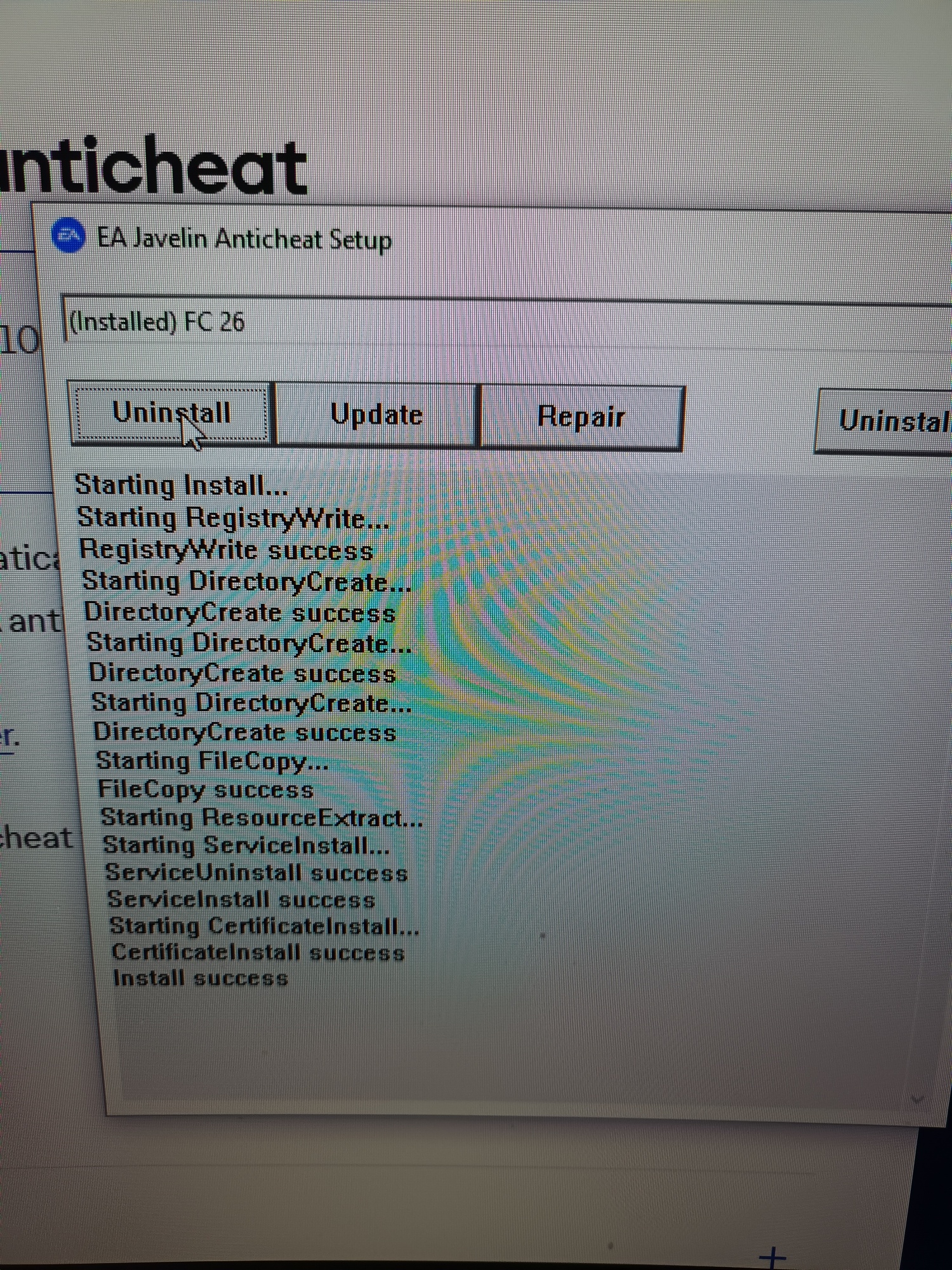
EA Javelin anticheat has been downloaded and reinstalled for FC 26 again, as per steps 1-3 in your response without resolving the issue.
- BIOS mode is Legacy
- Secure Boot State is Unsupported
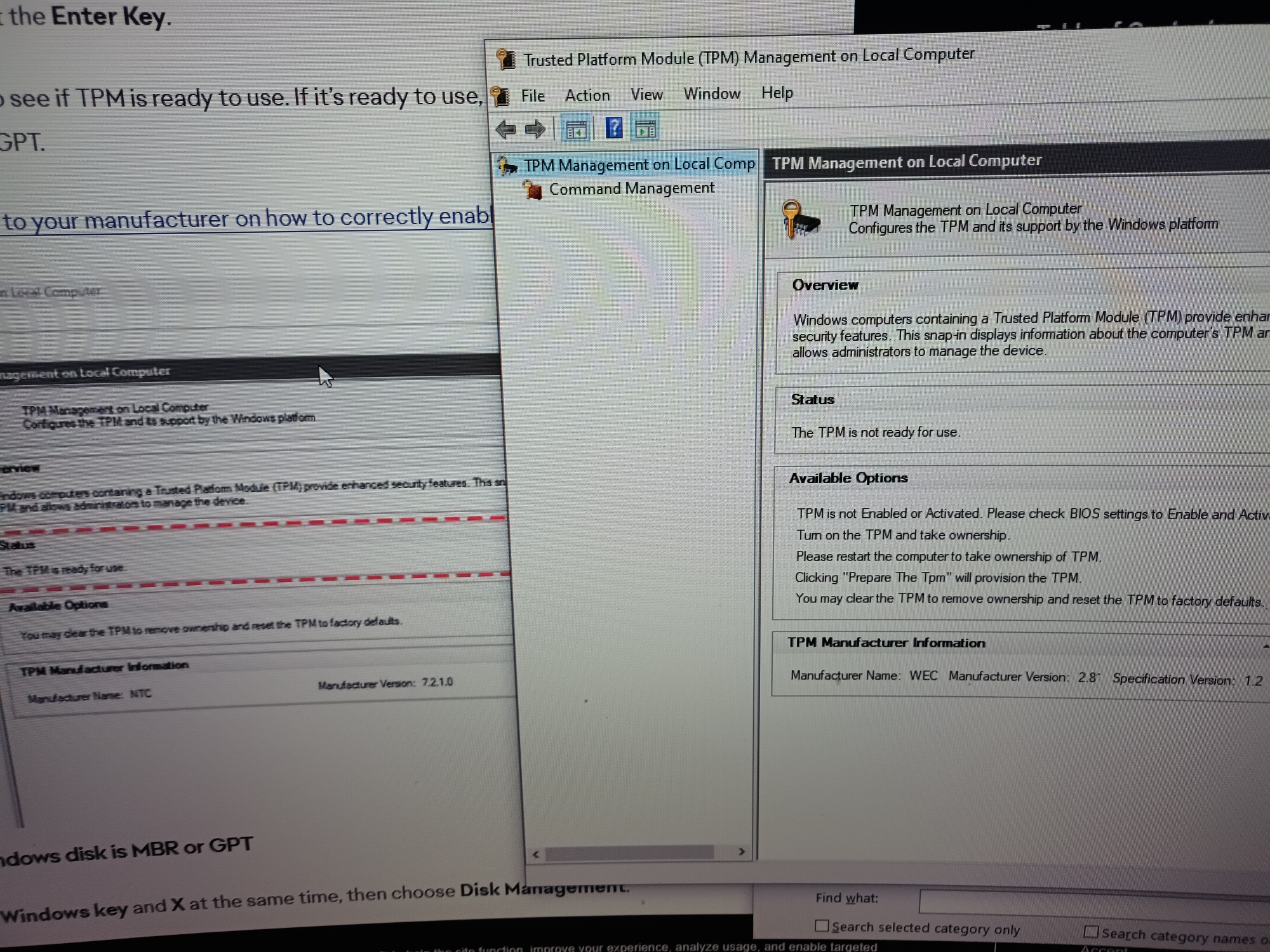
- TPM is showing not ready for use
- Under disk management no drive/disk is labelled as 'OSDisk(C:)'only '(C:)'
- Properties on '(C:)' drive does not have 'Volume' tab (Step 3 of Check if your Windows disk is MBR or GPT section within support article)
- Can not progress to Step 4 'Find Partition style' of Check if your Windows disk is MBR or GPT within support article because of step3... no 'Volume' tab
Screenshots of above attached, but this is very strange having no issues since purchase and install a couple of months ago.
Does anyone have any idea how to resolve?
Many thanks,