Poor graphics/low-resolution/graphics glitches (TS3 64-bit)
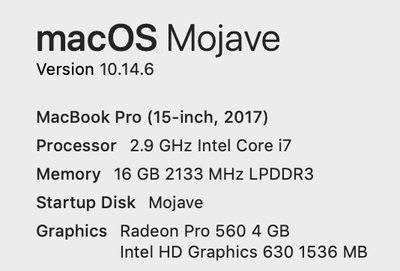

@aodoherty You can't upgrade or swap the graphics card in a Mac, other than in the extremely high-end Mac Pros. And newer Nvidia cards aren't supported by macOS. I'm not sure the Apple-provided drivers would even work. So even an external GPU setup might not be usable at all if it contained an Nvidia card.

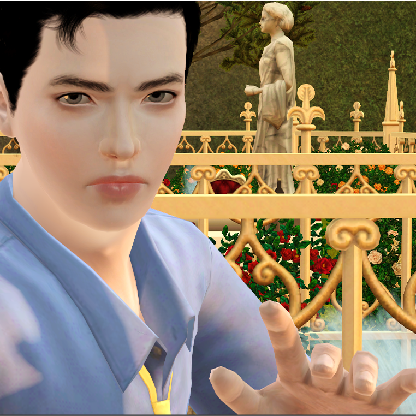
I did have some trouble with my graphics when I first started my game, still do somewhat (any lot that isn't mine is just a big block), even though it should run on ultra. However, I have found that some settings can help with the lots next to mine, and that faking-out the game for full screen will help with resolution (even though the text is somewhat blurry). When you hit command+return together and it takes you to the window mode, click "no" and it'll get rid of the black sides on either of the game playing (so it'll be total full-screen). Still playing around with some options but all-in-all it looks very good and I'm v thankful for this 64-bit addition :-)

Lately I've been having this weird reflection glitch on water even though I have reflection set to mirrors only. I have advanced rendering turned on cause I like the water texture. I had no problems with these settings on my computer with the old game.
@middykitty4 Please attach your deviceconfig.log, in Documents > Electronic Arts > The Sims 3. You'll neeed to manually open the folders; the file won't show up in a search. You can delete your user and computer names, about 25 lines down, but there's nothing else in that file that can identify you.