
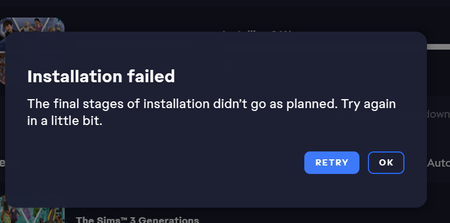
Sims 3 in "installed" on ea, but not on my pc?
 1 year ago
NightDreamerX3 Please try repairing the game (EA App > Sims 3 > Manage > Repair). Clear the EA App's cache first:
https://help.ea.com/en-us/help/faq/clear-cache-to-fix-problems-with-your-games/
If that doesn't help, uninstall the game with Revo Uninstaller (the free version is fine), and the EA App as well. More detailed instructions are here:
[Read First] Running Sims 3 in Windows | EA Forums - 8323446
Reinstall only the base game, into a new folder as described; you can deselect all your DLC in one of the pop-ups you see after you click Download. You'll be able to install this content later, but for now, let's just try to get the base game installed.
If you use a third-party antivirus, I would suggest disabling it before you create the new folder, and not reenabling it until you've installed Sims 3 and tried to play. As long as you don't do anything else at the same time, your computer should be safe.







