Solved
Forum Discussion
1 year ago
I am having the same issue! Cant find the tome ANYWHERE
1 year ago
@wilsonjen88Have you used the filter option?
Why try this steps:
1. Go to Build mode
2. Click 'Objects by Function'
3. Filter Panel(you can find this on the right hand side)>Tick dropdonw: Special Category>Tickl Event Rewards
There you will find the Tome.
Hope this helps.
- 1 year ago
When i click the drop down for special, I only have the option to check off birthday
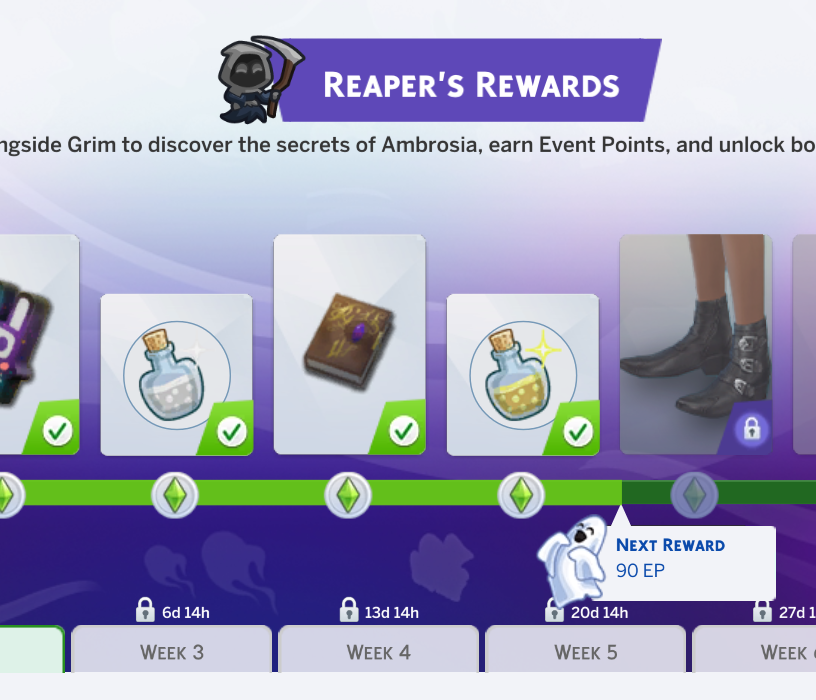
- 1 year ago@wilsonjen88 That's a bit odd. Try clicking little grim reaper on the top lefthand corner after you had done the challenge then try again looking for it.
If it does not fix that, try repairing the game itself from the origin/steam/EA.
I got it from steam-
to repair it (Make sure you close down Sims first before doing this)
1. go to Steam app
2. go to Library and locate The Sims 4
3. Right Click > Properties
4. Installed Files
5. Click on 'Verify integrity of game files'
If in EA:
1. Open EA app
2. Go to Library and locate Sims 4
3. Click the 3 dotted line
4. Manage>repair- 1 year ago
@Sanwitzspred I tried repairing, and when I go Sort By Function>Filter Items>Special, it still only says birthday. I must be doing SOMETHING wrong.
- 1 year ago
Just click the search box and type tome that's what I had to do because I didn't have the filters either
- 1 year ago
I found it by typing in search bar green lady's tome.