Forum Discussion


6 years ago
I have this solved.
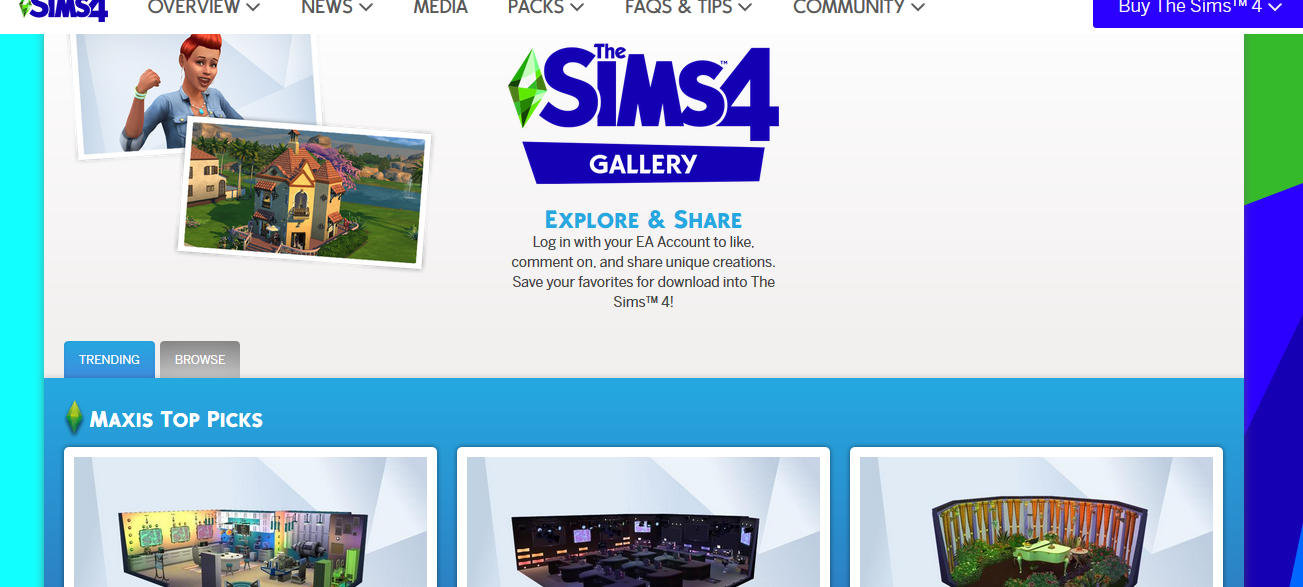
Just go to the website www.thesims4.com and sign in and then click on community and then click on the gallery. There you can view the gallery and save what you like to your library then when you start the game you will have access to the stuff from the gallery.
You can still access the community gallery you just have to do it from the sims 4 website.
(Post edited by CM)

6 years ago
kittykat20047 You're a lifesaver! I thought I would have to build things myself and forgo lots of game-play. Thank you!
Featured Places